
Contract Automation for Law Firms: Using Conditional Logic to Draft Complex Contracts
Legal document automation is transforming how law firms draft contracts, assemble court bundles, and manage closing binders. By embedding conditional logic directly into Microsoft Word templates and integrating with SharePoint metadata, firms can generate dynamic, jurisdiction-specific documents in minutes—without manual clause selection, formatting errors, or version confusion.
This article is for managing partners, legal operations leaders, knowledge managers, and IT directors who want to implement contract automation for law firms using tools they already own—Microsoft Word, SharePoint, and Microsoft 365.
Written by Knowledge Team, posted on February 14, 2026
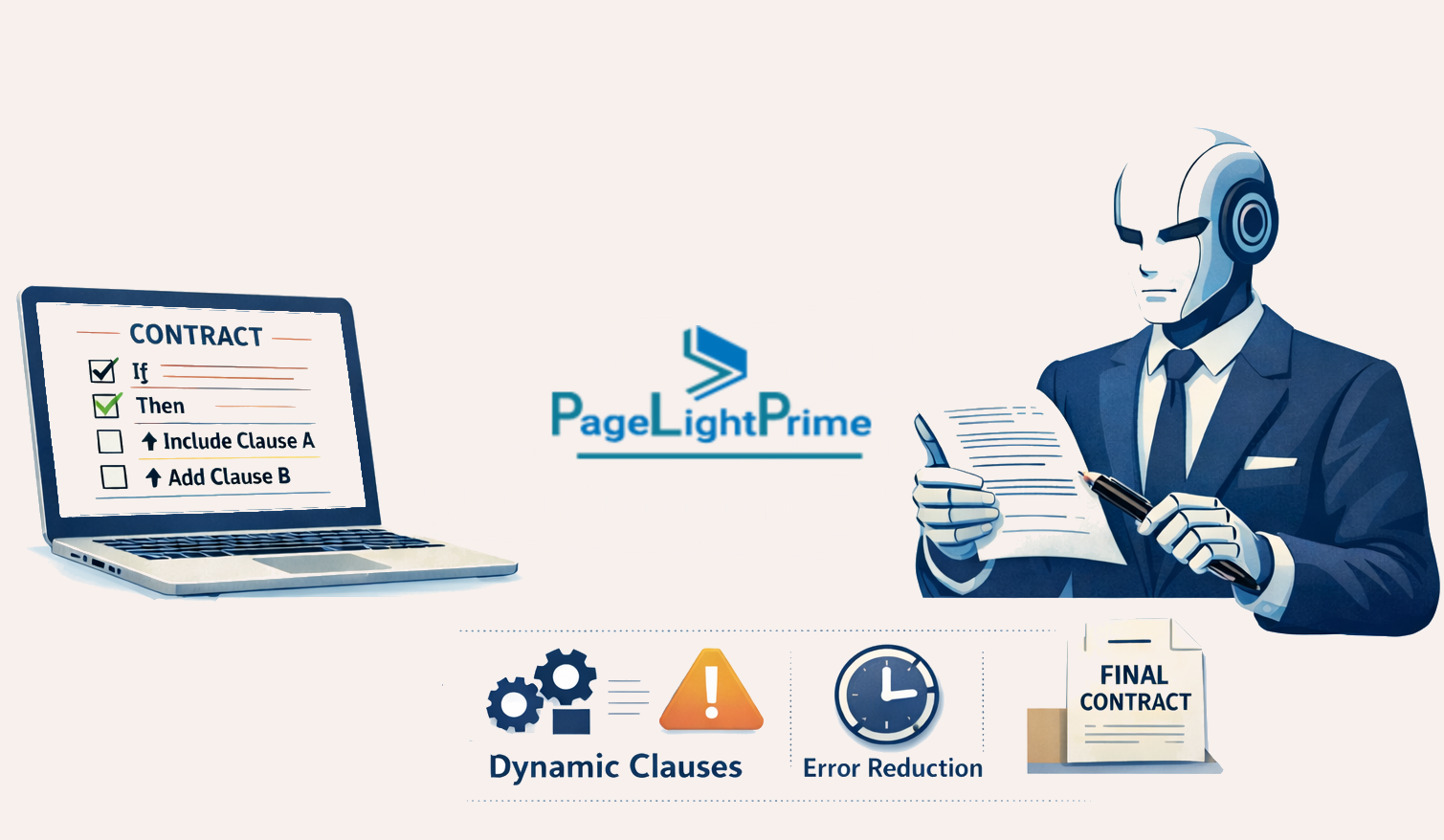
If your firm still relies on manually editing precedents, copying clauses from old matters, or assembling binders by hand, you’re carrying unnecessary drafting risk and operational drag.
Conditional logic in legal template automation eliminates that friction.
What Is Conditional Logic in Legal Document Automation?
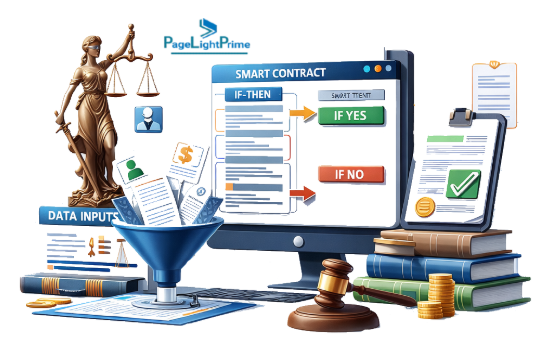
Conditional logic is the “if/then” engine inside legal document automation software.
Instead of drafting static templates, you design intelligent templates that respond to structured inputs:
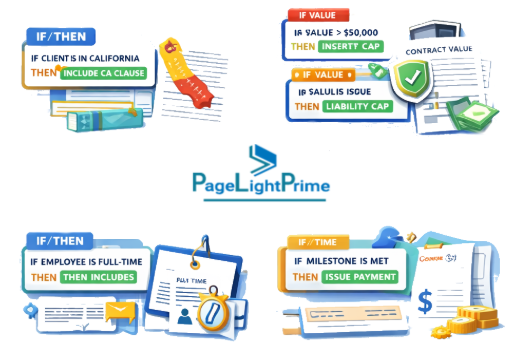
- If the governing law is New York → insert NY-specific indemnity clause
- If the transaction value exceeds $5M → include enhanced reporting obligations
- If the client is an LLC → use entity-specific signature block
- If regulatory approval is required → add compliance disclosure section

In practical terms, this means:
- Microsoft Word document automation using content controls
- SharePoint legal document management storing structured metadata
- Contract automation generating jurisdiction-aware agreements
- Document assembly for law firms that adapts dynamically

Why Law Firms Need Conditional Contract Automation
Traditional drafting creates three structural problems:
1. Risk Amplification
Manual clause selection increases:
- Omitted provisions
- Wrong jurisdiction references
- Inconsistent defined terms
- Formatting corruption
2. Knowledge Fragmentation
Each lawyer becomes a silo:

3. Operational Inefficiency
Highly paid attorneys spend time:
- Deleting irrelevant sections
- Fixing numbering
- Reformatting signature pages
- Rebuilding court bundles manually
Contract automation for law firms addresses all three simultaneously.
Legal workflow automation ensures that logic—not memory—drives document construction.
Common If/Then Scenarios in Legal Templates
Conditional logic becomes powerful when applied to real-world drafting scenarios.
Jurisdiction-Based Clauses
One of the most common automation use cases.
If governing law = California
- Insert CA-specific consumer protection language
- Add non-compete limitations
- Include state-specific notice provisions
If governing law = England & Wales
- Insert UK boilerplate
- Adjust service-of-process language
- Use UK date formats and defined term capitalization conventions
This is core legal template automation.
Rather than maintaining 50 versions of the same agreement, document assembly for law firms allows one master template with embedded logic blocks.
This dramatically reduces maintenance overhead while increasing compliance accuracy.

Threshold-Based Provisions
Many clauses depend on monetary, time, or performance triggers.
Examples:
- If contract value > $10M → include audit rights
- If payment delay > 30 days → trigger interest clause
- If employee count > 50 → insert benefit compliance language
By tying numeric inputs to clause inclusion, Microsoft Word document automation ensures precision without manual review cycles.
This is particularly powerful in:
- SaaS agreements
- M&A documentation
- Financing agreements
- Employment contracts

Regulatory Triggers
Certain industries require dynamic compliance handling.
Examples:
- If healthcare entity → insert HIPAA provisions
- If data transfer outside EU → add GDPR SCC language
- If public company involved → include SEC representations
Conditional contract automation ensures regulatory obligations are inserted consistently.
This reduces downstream risk and audit exposure.

Client-Type Logic
Client classification frequently changes drafting requirements:
- Individual vs Corporation vs LLC
- Nonprofit vs For-profit
- Domestic vs Foreign entity
Conditional logic adjusts:
- Signature blocks
- Recitals
- Representations
- Governing law presumptions
Instead of manually editing these sections every time, legal document automation ensures the correct configuration is generated instantly.

Automating Court Bundles with Conditional Logic
Court bundle automation is one of the most underleveraged uses of legal document automation software.
Traditionally, litigation teams:
- Manually collect pleadings
- Merge PDFs
- Renumber pages
- Rebuild tables of contents
- Adjust exhibit labeling
- Rework formatting when a new document is added
This process is error-prone and time-consuming.

Technical How-To: Court Bundle Automation
Using Microsoft 365 and SharePoint legal document management:
Step 1: Structured Metadata
Store pleadings in Legal DMS with fields such as:
- Matter ID
- Filing type
- Jurisdiction
- Hearing date
- Exhibit category

Step 2: Conditional Document Assembly
Create a Word master bundle template that:
- Pulls documents dynamically based on matter ID
- Sorts by filing date
- Includes only documents tagged for that hearing
- Inserts jurisdiction-specific formatting rules
Step 3: Dynamic Tables of Contents
Use Word field codes and content controls to:
- Auto-generate section dividers
- Insert exhibit numbering conditionally
- Maintain page references automatically

Step 4: Automated Pagination Logic
If jurisdiction requires:
- Continuous numbering → apply global sequence
- Section-based numbering → reset per filing category
Conditional logic handles this automatically.
The result:
- Faster hearing prep
- Reduced clerical rework
- Stronger presentation consistency
This is legal workflow automation applied to litigation operations.

Automating Transaction Closing Binders
Closing binder automation follows similar logic.
In transactional practices, closing binders often require:
- Final executed agreements
- Disclosure schedules
- Officer certificates
- Resolutions
- Exhibits
- Signature pages
Each transaction differs slightly.
Manual compilation creates:

Technical How-To: Closing Binder Automation
Using contract automation for law firms:
Step 1: Matter-Based Metadata
In legal document management software:
Step 2: Conditional Assembly Template
Create a closing binder template that:
- Includes only documents marked “Final”
- Orders documents by predefined transaction sequence
- Inserts section dividers dynamically
- Excludes unsigned drafts automatically

Step 3: Signature Logic
If:
- Multiple entities → generate entity-specific signature sections
- Foreign entity → insert jurisdiction-specific execution language
Step 4: Auto-Generated Index
Use Word fields to:
- Populate document titles from metadata
- Populate document titles from metadata
- Maintain live cross-references
Closing binder automation eliminates last-minute assembly chaos and improves client experience.

Implementation Framework for Law Firms
Implementing legal template automation in Microsoft 365 requires structure.
Phase 1: Template Rationalization
- Audit existing precedents
- Identify core agreement types
- Eliminate duplicative versions
- Define clause logic rules
Phase 2: Clause Modularization
Break templates into:
- Core sections
- Optional provisions
- Jurisdiction blocks
- Regulatory inserts
Design each as a reusable logic component.

Phase 3: Logic Mapping
Document every decision rule:
- If jurisdiction = X → clause A
- If value > threshold → clause B
- If client type = nonprofit → clause C
This transforms drafting knowledge into system logic.
Phase 4: Microsoft Word Document Automation Build
Using:
- Content controls
- Quick parts
- Conditional fields
- Structured document tags
Integrate with SharePoint legal document management for metadata control.

Phase 5: Governance & Maintenance
Establish:
- Template ownership
- Change approval workflow
- Version tracking
- Periodic logic audits
This ensures your contract automation infrastructure remains current.

Business Impact of Legal Document Automation
When properly implemented, contract automation for law firms delivers measurable impact:
Faster Drafting
Complex agreements generated in minutes.
Risk Reduction
Logic-based drafting reduces omission errors.

Knowledge Capture
Firm expertise becomes institutional, not individual.
Scalability
Junior lawyers produce partner-level consistency.
Operational Efficiency
Court bundle automation and closing binder automation eliminate repetitive assembly work.
Legal workflow automation converts legal knowledge into operational leverage.

“
From Drafting Tool to Knowledge Infrastructure
Most firms think of document automation as a drafting shortcut.
That underestimates its potential.
When conditional logic is embedded into legal document automation software, your templates become:
- Structured knowledge repositories
- Risk-control mechanisms
- Workflow accelerators
- Training systems
- Compliance safeguards
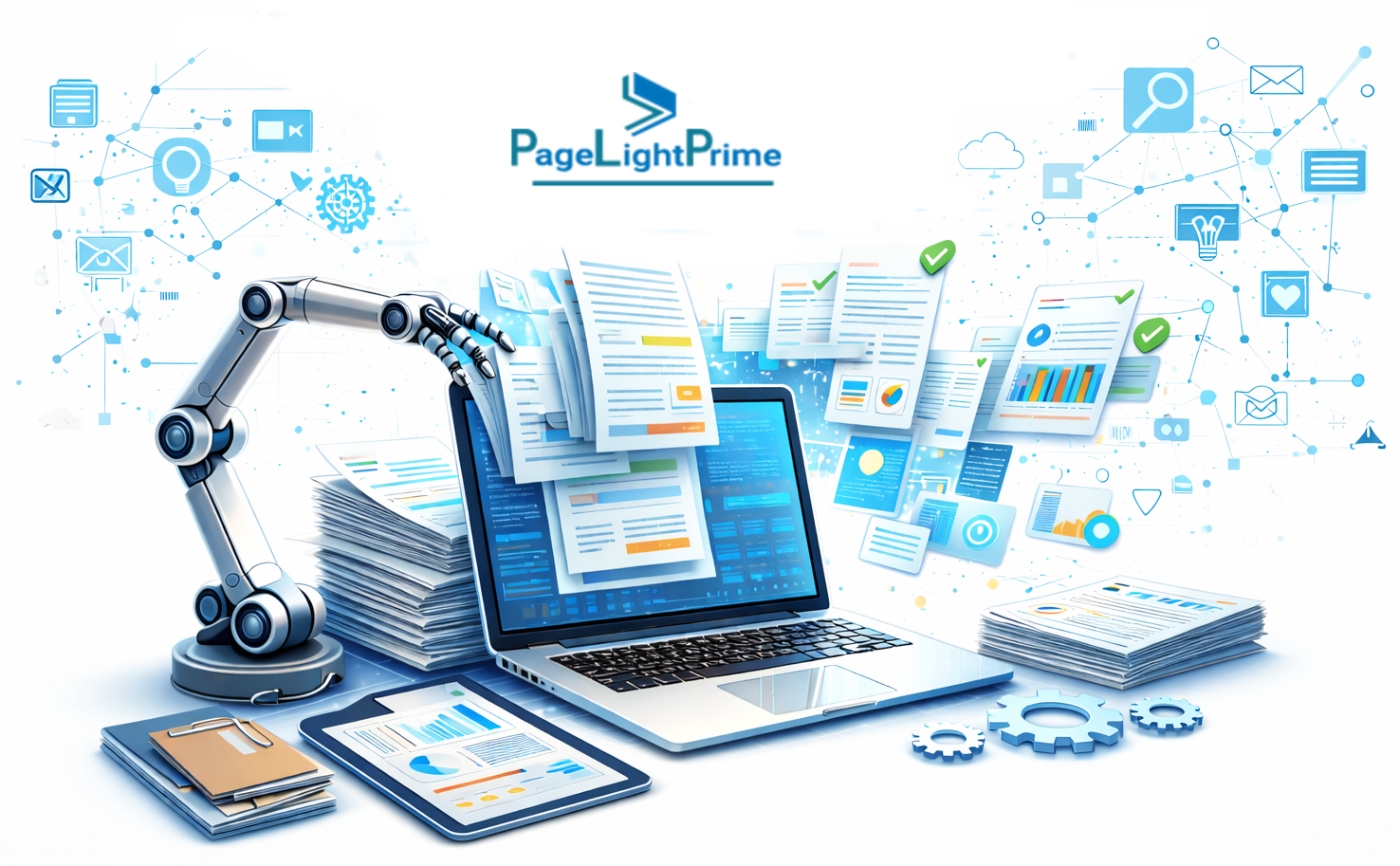
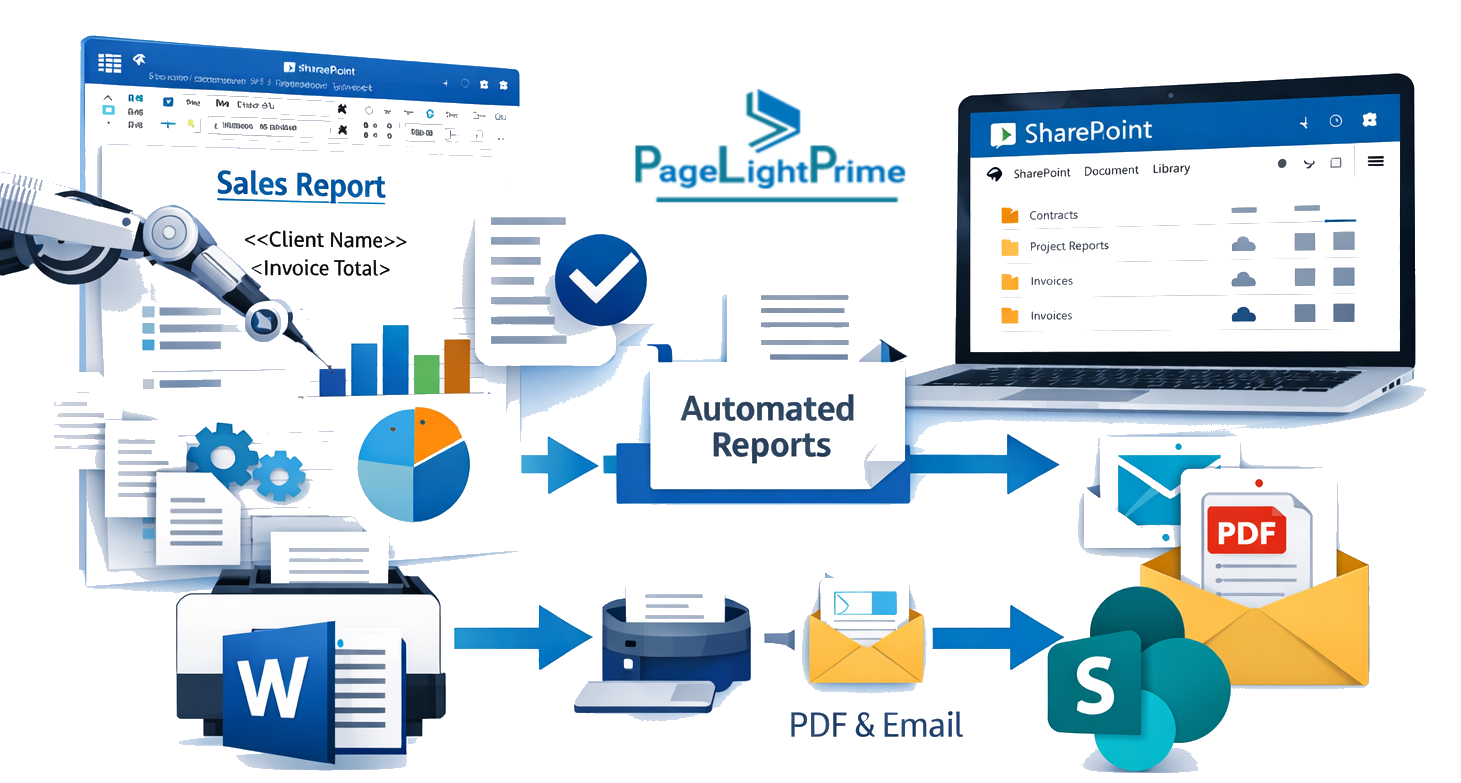
Integrated with Microsoft Word document automation and SharePoint legal document management, your firm creates a connected ecosystem:
Drafting → Metadata → Assembly → Governance → Analytics
This is not just document assembly for law firms.
It is the process infrastructure.
And firms that treat contract automation as infrastructure—not convenience—gain durable competitive advantage.
“
FAQ: Frequently Asked Questions (FAQ)
How does conditional logic work in legal document automation?
Conditional logic uses “if/then” rules inside a template.
For example:
- If governing law = Texas → insert Texas-specific venue clause
- If contract value exceeds $1M → include limitation of liability adjustment
- If client type = LLC → generate LLC signature block
These logic rules are embedded into Microsoft Word templates using content controls, fields, or structured document tags. The system evaluates user inputs and automatically assembles the correct document configuration.
This eliminates manual clause selection and reduces drafting risk.
What tools are used for legal template automation?
Most law firms implement legal template automation using tools they already own:
- Microsoft Word document automation (content controls, fields, building blocks)
- SharePoint legal document management for structured metadata
- Microsoft 365 integration for centralized access
- Workflow automation tools such as Power Automate
Advanced legal document automation software like PageLightPrime includes dashboards, analytics, or client-facing intake forms, but many firms can begin with Microsoft-native infrastructure.
How is document assembly for law firms different from simple templates?
A simple template is static. It requires manual editing and deletion.
Document assembly for law firms uses structured logic to:
- Include or exclude clauses automatically
- Adjust defined terms dynamically
- Modify cross-references automatically
- Control numbering and formatting
In true contract automation, the template behaves like a rule-based system — not a document file.
Can legal workflow automation reduce drafting errors?
Yes. Legal workflow automation significantly reduces drafting errors by:
- Preventing omission of mandatory clauses
- Standardizing jurisdiction-specific language
- Ensuring consistent formatting and numbering
- Automating defined term updates
- Restricting unauthorized clause edits
Because the logic controls document output, lawyers no longer rely on memory or manual cleanup.
How does court bundle automation work?
Court bundle automation uses structured metadata and conditional document assembly to generate litigation binders automatically.
Using SharePoint legal document management:
- Documents are tagged by matter, filing type, and hearing date
- A master template pulls only relevant documents
- Tables of contents are generated dynamically
- Pagination adjusts automatically based on jurisdiction rules
This eliminates manual merging, renumbering, and formatting — saving significant administrative time.
What is closing binder automation?
Closing binder automation is the process of automatically assembling executed transaction documents into a structured binder.
Using contract automation for law firms:
- Only documents marked “Final” or “Executed” are included
- Section dividers are generated dynamically
- Signature blocks adjust based on entity type
- Indexes and page numbers populate automatically
This reduces last-minute closing pressure and improves client presentation quality.
Is Microsoft Word sufficient for legal document automation?
Yes — for many firms.
Microsoft Word document automation combined with SharePoint legal document management provides a strong foundation for legal template automation.
Using:
- Content controls
- Field codes
- Structured document tags
- Metadata integration
Firms can build powerful conditional logic systems without purchasing specialized third-party software.
However, as automation maturity increases, some firms adopt dedicated legal document automation software for enhanced scalability and reporting.
How long does it take to implement contract automation?
Implementation timelines vary depending on scope.
A focused rollout for one agreement type may take:
- 4–8 weeks for template rationalization and logic mapping
- Additional time for governance setup and user training
Firm-wide legal workflow automation may take several months, especially if integrating SharePoint restructuring and metadata design.
The key factor is not technical complexity — it is logic mapping and governance planning.
What is the business impact of legal document automation?
When properly implemented, legal document automation delivers:
- Faster drafting turnaround
- Reduced compliance risk
- Increased consistency across offices
- Better knowledge retention
- Improved client experience
- Lower operational costs
- Stronger scalability for growing firms
Contract automation for law firms turns drafting from a manual task into a structured system — transforming templates into strategic infrastructure.