
Best Time Matters Alternatives in 2026: Complete Guide to Replacing Time Matters for Law Firms
The best alternatives to Time Matters in 2026 include Clio Manage, Smokeball, MyCase, PracticePanther, Filevine, and Microsoft-native platforms such as PageLightPrime. These modern law firm practice management platforms provide cloud-based case management, automation tools, billing systems, and client portals designed to replace legacy legal software infrastructure.
Written by Knowledge Team, posted on March 13, 2026

Top Time Matters Alternatives for Law Firms in 2026
The most widely used Time Matters alternatives include:
- Clio Manage
- Smokeball
- MyCase
- PracticePanther
- Filevine
- PageLightPrime
These platforms provide cloud-based case management, automation, billing, and client collaboration tools for modern law firms. They help improve case organization, automate billing workflows, and support modern law firm collaboration.
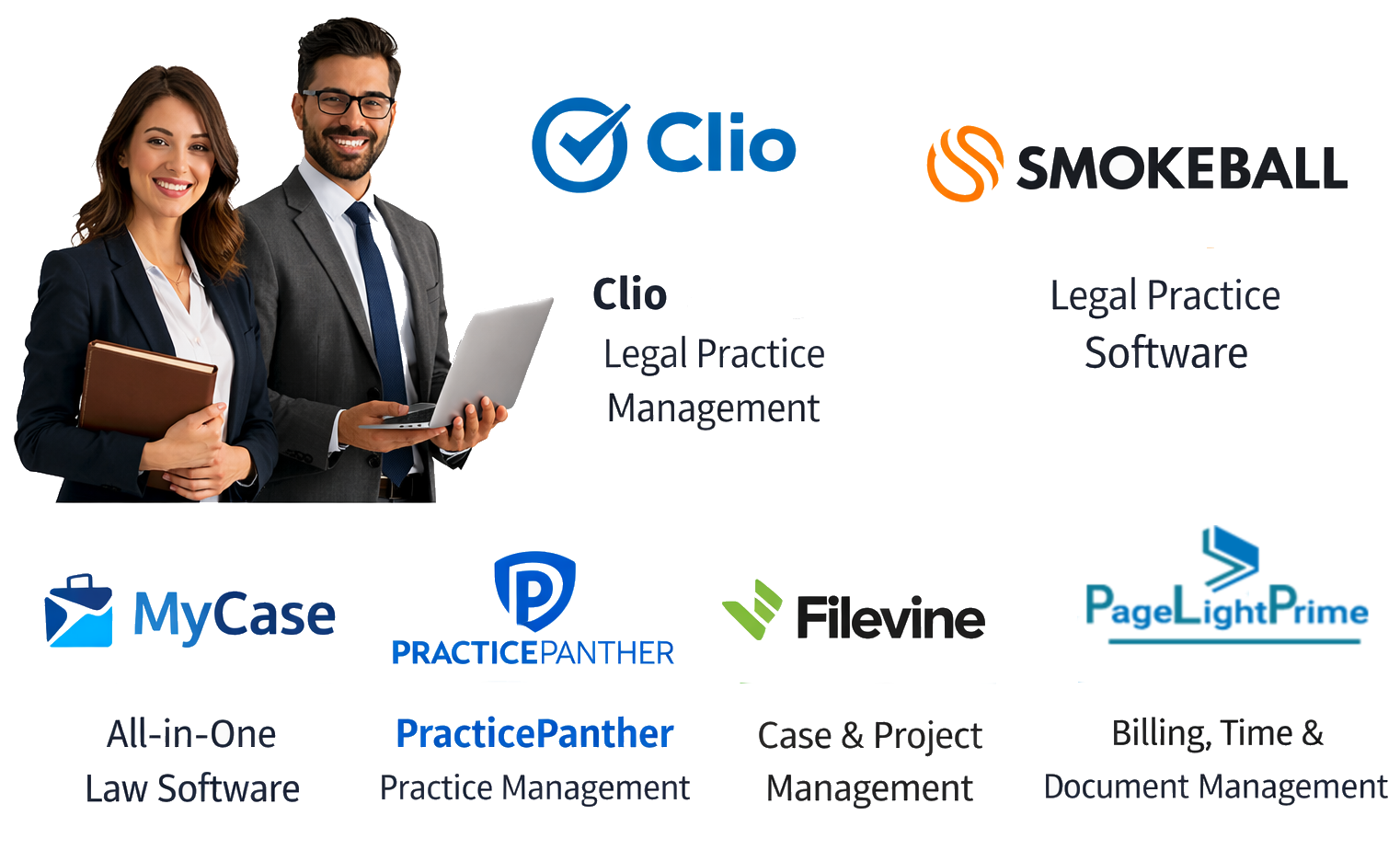
| Software | Best For | Deployment | Key Strength |
|---|---|---|---|
| Clio Manage | Small–mid firms | Cloud | Billing + client portal |
| Smokeball | Automation-focused firms | Cloud | Automatic time tracking |
| MyCase | Ease of use | Cloud | Client communication |
| PracticePanther | Growing firms | Cloud | Workflow automation |
| Filevine | Litigation firms | Cloud | Case pipelines |
| PageLightPrime | Microsoft firms | Microsoft 365 native | SharePoint legal DMS, PowerAutomate support and Power BI for reporting |
What is Time Matters Software?
Time Matters is a legal case management and practice management platform originally developed to help law firms manage contacts, matters, documents, billing, and calendars. It was widely used by law firms operating on on-premise infrastructure before the legal industry began transitioning to cloud-based legal software platforms.
Why Law Firms Are Searching for Time Matters Alternatives in 2026
If you’re searching for the best Time Matters alternatives in 2026, you’re not alone. As legacy versions of Time Matters approach end-of-support and long-term innovation slows, many firms are evaluating modern Time Matters replacement software and planning a structured Time Matters software replacement aligned with today’s cloud-first legal environment.
Originally developed by LexisNexis, Time Matters served law firms for decades as a widely used case management platform before the legal industry began shifting toward cloud-native legal practice management software.
Law firms looking for Time Matters alternatives, Time Matters replacement software, or guidance on how to replace Time Matters are increasingly evaluating modern legal practice management software designed for today’s cloud-first infrastructure. Many firms are also planning a structured Time Matters migration as part of a broader shift toward scalable legal technology platforms.
Modern firms now expect:
- Secure cloud accessibility
- Seamless Microsoft ecosystem integration
- AI-enabled automation
- Real-time collaboration
- Client portals
- Compliance-ready infrastructure
This guide explains why firms are transitioning, what to look for in a replacement, and which platforms lead the market in 2026.
Who This Guide Is For
This guide is designed for legal professionals and organizations evaluating whether to replace legacy Time Matters systems with modern legal practice management platforms.
It is particularly relevant for:
Law firms currently using Time Matters
Firms that rely on Time Matters for case management, document organization, billing, or contact management and are exploring modern alternatives.
IT managers planning a legal software migration
Technology leaders responsible for maintaining law firm infrastructure who are evaluating how to transition from on-premise legal systems to modern cloud legal software platforms.
Legal operations leaders evaluating practice management tools
Operations managers and legal administrators researching legal practice management software for law firms that can improve workflow automation, collaboration, and reporting.
Firms transitioning to cloud-based legal technology
Law firms moving away from legacy server-based systems and adopting modern law firm practice management platforms designed for secure remote access and real-time collaboration.
Microsoft-centric law firms
Organizations heavily invested in Microsoft 365 environments that may be exploring Microsoft-native SharePoint legal document management or practice management solutions.
What is the Best Time Matters Alternative in 2026?
The most widely adopted Time Matters alternatives in 2026 include Clio Manage, Smokeball, MyCase, PracticePanther, Filevine, and Microsoft-native legal platforms such as PageLightPrime.
These platforms provide cloud-based legal practice management, automation tools, client portals, and collaboration features designed to replace legacy Time Matters infrastructure. The right platform typically depends on firm size, practice area requirements, and long-term technology strategy.

Best Time Matters Alternatives (Quick List)
Law firms researching Time Matters replacement software often begin by comparing the most widely adopted platforms in the legal technology market.
Each platform offers different strengths, ranging from cloud-based practice management and billing automation to litigation workflow tools and Microsoft-native document management environments.
Time Matters Alternatives at a Glance
Law firms evaluating Time Matters replacement software often want a quick overview before reviewing detailed platform comparisons.
- Clio Manage – A widely used cloud-based legal practice management platform designed for small to mid-sized law firms needing strong billing, trust accounting, and client portal capabilities.
- Smokeball – Focuses heavily on automation and productivity, offering automatic time tracking and document automation tools that help maximize billable hours.
- MyCase – Known for its simple interface and streamlined onboarding process, making it attractive for firms prioritizing ease of use and integrated payments.
- PracticePanther – A flexible platform designed for growing firms that require customizable workflows, dashboards, and integrations with accounting tools.
- Filevine – Particularly popular among litigation-focused firms due to its structured case management pipelines and collaboration features.
- PageLightPrime – A Microsoft-native legal practice management approach built directly within Microsoft 365 using SharePoint-based document management architecture.
Why Law Firms Are Replacing Time Matters
While Time Matters was highly customizable, it was originally designed for server-based infrastructure.
Common reasons firms are transitioning include:
- End-of-support lifecycle concerns
- Rising IT maintenance costs
- VPN-dependent remote access
- Limited automation capabilities
- Increased cybersecurity expectations
- Demand for cloud-based collaboration
According to the American Bar Association Legal Technology Survey Report, a growing majority of law firms now use some form of cloud-based legal practice management software, reflecting the broader industry shift toward secure, subscription-based legal technology platforms.
As firms evaluate whether to replace Time Matters in 2026, the focus has shifted toward scalability, automation, and long-term infrastructure strategy.
Cloud Legal Software vs Legacy Time Matters Systems
Modern legal practice management platforms differ significantly from traditional server-based systems like Time Matters.
| Feature | Legacy Systems | Modern Cloud Platforms |
|---|---|---|
| Deployment | On-premise server | Cloud-based |
| Remote access | VPN required | Browser-based |
| Updates | Manual | Automatic |
| Collaboration | Limited | Real-time |
| Security | Firm-managed | Vendor-managed |
Pros and Cons of Replacing Time Matters
For many law firms, deciding whether to replace Time Matters is both a technological and operational decision.
Pros
Cloud accessibility
Modern legal practice management platforms allow secure access to case information from anywhere.
Reduced IT maintenance
Cloud-based systems eliminate server maintenance and infrastructure overhead.
Built-in automation
Automation features include workflow triggers, document templates, and automatic time tracking.
Client portals
Secure portals allow lawyers to communicate with clients and share documents.
Cons
Migration complexity
Legacy database migration can require careful planning.
Data mapping challenges
Custom fields and workflows may require recreation in the new system.
Staff retraining
Lawyers and staff must adapt to new interfaces and processes.
Billing migration risks
Financial records must be validated during migration.
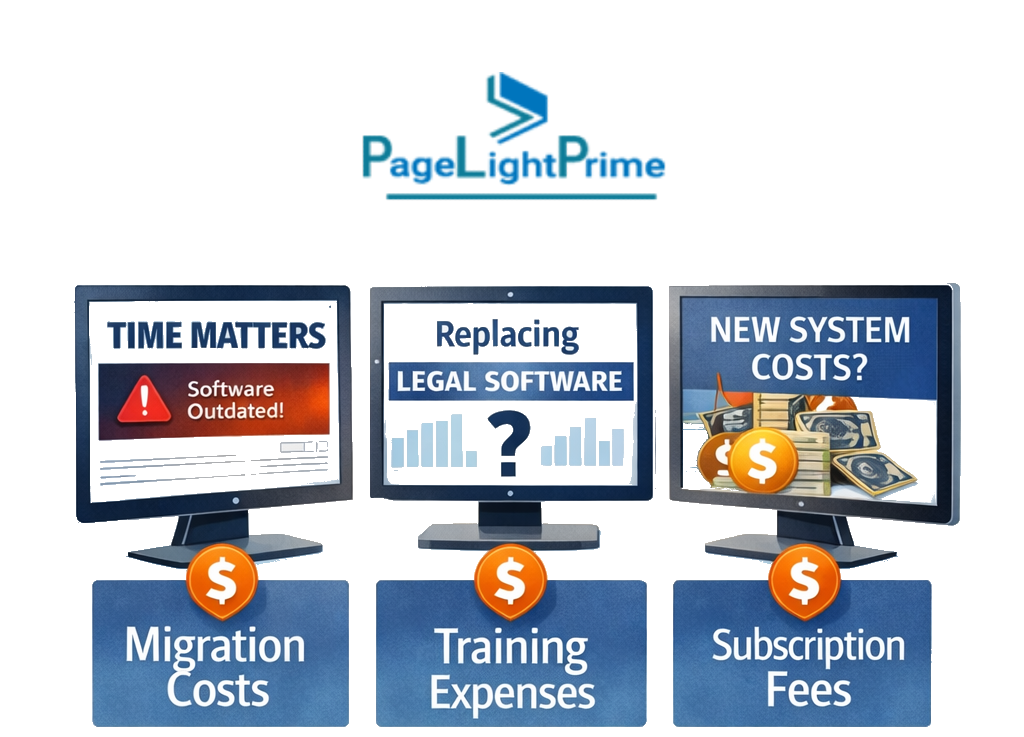
Cost Considerations When Replacing Time Matters
The cost of replacing Time Matters varies depending on several factors:
- Number of users
- Size of the existing database
- Document migration complexity
- Staff training requirements
- Integration with accounting or document management tools
Most modern legal practice management platforms use subscription-based pricing, which eliminates server infrastructure costs while providing automatic updates and cloud hosting.
Who Should Replace Time Matters in 2026?
Not every firm needs to migrate immediately, but several types of legal practices benefit significantly from replacing legacy Time Matters infrastructure.
Firms most likely to consider a Time Matters replacement include:
Growing small and mid-sized law firms
Firms expanding beyond small teams often require scalable legal practice management software that supports collaboration and remote accessibility.
Firms adopting cloud-first infrastructure
Organizations transitioning to cloud-based legal technology frequently replace on-premise systems like Time Matters to eliminate server maintenance and improve accessibility.
Firms strengthening cybersecurity posture
Modern platforms typically provide stronger security frameworks including encrypted storage, access controls, and independent audits.
Litigation practices needing structured workflows
Firms handling complex litigation often benefit from structured case pipelines and collaboration features.
Firms heavily invested in Microsoft 365
Practices using Microsoft tools extensively may evaluate Microsoft-native platforms that integrate directly with Outlook, Teams, and SharePoint.
Best Time Matters Alternatives in 2026
In the modern legal technology landscape, platforms such as Clio Manage, Smokeball, and Filevine have emerged as widely adopted solutions for firms transitioning away from legacy systems like Time Matters.
| Software | Best For | Deployment | Key Feature |
|---|---|---|---|
| Clio Manage | Small to mid-sized law firms | Cloud-based | Built-in client portal and strong billing tools |
| Smokeball | Automation-focused firms | Cloud-based | Automatic time capture and document automation |
| MyCase | Firms prioritizing ease of use | Cloud-based | Integrated payments and client communication |
| PracticePanther | Growing firms | Cloud-based | Workflow automation and dashboards |
| Filevine | Litigation-focused practices | Cloud-based | Case pipeline management |
| PageLightPrime | Microsoft-centric firms | Microsoft 365 native | Microsoft-native legal practice management platform built inside Microsoft 365 with SharePoint-based document management. |
Clio Manage
Clio Manage is widely adopted among small to mid-sized firms.
Strengths
- Fully cloud-based platform
- Strong billing and trust accounting tools
- Built-in client portal
- Large integration ecosystem
Smokeball
Smokeball focuses heavily on automation and billable time capture.
Strengths
- Automatic time tracking
- Document automation templates
- Deep Microsoft integrations
- Structured migration support
MyCase
MyCase emphasizes usability and straightforward onboarding.
Strengths
- Simple implementation process
- Built-in online payments
- Client communication tools
- Mobile-friendly interface
PracticePanther
PracticePanther provides flexible workflow tools for growing firms.
Strengths
- Custom dashboards
- Workflow automation tools
- Accounting integrations
- Cloud-based accessibility
Filevine
Filevine is particularly strong for litigation-focused practices.
Strengths
- Advanced case structuring
- AI-assisted document review
- Collaboration tools for litigation teams
- Workflow pipeline management

PageLightPrime
PageLightPrime represents a Microsoft-native legal practice management approach.
Rather than operating as standalone SaaS software, it is built entirely inside Microsoft 365 using a SharePoint-based legal document management architecture.
Characteristics
- Embedded Microsoft permission controls
- Native Outlook and Teams integration
- SharePoint law firm document management solution
- Alignment with Microsoft governance policies
How to Choose the Right Time Matters Replacement
Selecting the right Time Matters replacement software requires evaluating more than feature lists.
Key evaluation criteria include:
Deployment model
Determine whether your firm prefers cloud-based systems, hybrid platforms, or Microsoft-native solutions.
Practice area alignment
Some platforms are optimized for litigation workflows, while others prioritize billing and communication.

Integration ecosystem
Evaluate compatibility with Microsoft 365, accounting software, document management tools, and e-signature platforms.
Migration complexity
Firms with heavily customized Time Matters environments should assess how vendors handle data mapping and document transfers.
Security certifications
Look for SOC 2 Type II or ISO 27001 compliance.
Vendor support
Migration assistance and training significantly reduce disruption during implementation.
Time Matters vs Leading Legal Practice Management Platforms
Time Matters vs Clio Manage
Time Matters
- On-premise infrastructure
- Heavy customization
- Requires IT management
Clio Manage
- Fully cloud-based
- Subscription pricing
- Built-in client portal
- Continuous updates
Time Matters vs Smokeball
Time Matters
- Manual time tracking
- Local server storage
Smokeball
- Automatic time capture
- Document automation
- Cloud infrastructure
Time Matters vs Filevine
Time Matters
- Flexible database customization
- Traditional workflows
Filevine
- Litigation pipeline management
- AI-enabled tools
- Structured collaboration
Time Matters vs PageLightPrime
Time Matters
- Separate database architecture
- External document integrations
Microsoft-native systems
- Built inside Microsoft 365
- SharePoint-based legal DMS
- Outlook and Teams integration by design

Data Migration Risks and Time Matters Migration Strategy
Migration is often the most complex phase of a Time Matters software replacement. A successful transition requires careful planning, data validation, and testing to ensure that case information, financial records, and documents remain intact throughout the process.
Time Matters Migration Checklist
Before replacing Time Matters, law firms should complete a structured preparation process to minimize operational disruption and data integrity risks. The following Time Matters migration checklist outlines key steps many firms follow during a system transition.
Audit the existing database
Review contacts, matters, documents, billing records, and archived data to identify inconsistencies, duplicate records, or outdated information that should be cleaned before migration begins.
Identify custom fields and reports
Many Time Matters installations contain custom workflows, data fields, and reporting structures that must be carefully mapped to equivalent fields within the new legal practice management system.
Export billing and trust accounting data
Financial data requires careful validation to ensure invoices, payment records, and trust accounting balances transfer correctly without discrepancies.
Map document storage structure
Firms should document how files are currently organized so that folder structures, document links, and case attachments remain organized after migration.
Identify custom fields and reports
Many Time Matters installations contain custom workflows, data fields, and reporting structures that must be carefully mapped to equivalent fields within the new legal practice management system.
Export billing and trust accounting data
Financial data requires careful validation to ensure invoices, payment records, and trust accounting balances transfer correctly without discrepancies.
Map document storage structure
Firms should document how files are currently organized so that folder structures, document links, and case attachments remain organized after migration.
Test migration in a staging environment
Running a test migration allows firms to identify mapping errors, missing records, or broken document links before the production system goes live.
Train staff before go-live
User training significantly reduces operational disruption and improves adoption of the new legal practice management platform.
Maintain a rollback backup
A complete system backup ensures the firm can restore the original database if unexpected issues arise during migration.
Following a structured migration checklist helps law firms transition from Time Matters with minimal disruption while protecting critical case data and financial records.
Time Matters Migration Potential Risks
Legal technology consultants must carefully evaluate potential issues when migrating from legacy solutions like Time Matters. Common risks include:
- Custom field mapping errors
- Billing discrepancies
- Trust accounting reconciliation issues
- Broken document links
- Duplicate records
These risks highlight the importance of thorough testing and validation before the final migration is completed.
Time Matters Migration Best Practices
Law firms can significantly reduce disruption during a Time Matters migration by following established best practices.
- Auditing the database before export
- Using staging environments for testing
- Running parallel accounting validation
- Maintaining rollback contingencies
A structured migration strategy ensures that both operational workflows and financial data remain accurate throughout the transition process.

Compliance & Security Considerations
When evaluating Time Matters replacement software, compliance and security standards are critical.
Law firms should confirm whether vendors maintain:
- SOC 2 Type II certification
- ISO 27001 certification
- GDPR compliance where applicable
- Alignment with ABA trust accounting guidelines
Cloud platforms typically provide encrypted storage, security audits, and disaster recovery infrastructure.
When NOT to Migrate from Time Matters
Migration is not always necessary.
You may delay transition if:
- Your system remains stable and supported
- Customization would be expensive to rebuild
- Regulatory constraints apply
- Your firm is undergoing major operational change
- Costs outweigh strategic benefits

“
Final Thoughts
The legal technology landscape in 2026 is increasingly cloud-driven, automation-enabled, and compliance-focused.
The right Time Matters replacement software depends on:
- Firm size
- Practice complexity
- Automation needs
- IT governance model
- Microsoft infrastructure strategy
Replacing Time Matters is not simply a technical upgrade — it is a long-term strategic decision that will shape how a law firm manages cases, documents, billing, and collaboration for the next decade.

“
Frequently Asked Questions (FAQ)
How long does a Time Matters migration take?
Typical Time Matters migrations take between 4 and 12 weeks, depending on database size, customization complexity, document storage structure, and billing history. Firms with heavily customized workflows may require additional planning and testing before deployment to ensure data integrity and workflow continuity.
What is the biggest risk during a Time Matters software replacement?
The most common risks during a Time Matters software replacement include data mapping errors, trust accounting discrepancies, and broken document links. Careful data validation, test migrations, and staged implementation processes are essential to ensure financial and case data remain accurate.
Is cloud legal software secure for law firms?
Most modern legal practice management software platforms maintain strong security standards, including SOC 2 Type II certification, ISO 27001 compliance, and encrypted cloud storage. These security frameworks help protect sensitive client information and maintain regulatory compliance for law firms.
Can historical Time Matters data be preserved?
Yes. Most legal practice management systems support structured data exports and imports from legacy platforms such as Time Matters. However, custom workflows, fields, or reports may need to be reconfigured in the new system during migration.
Can Time Matters data be migrated to cloud legal software?
Yes. Most modern cloud legal practice management platforms support migration of contacts, matters, documents, billing records, and calendar data from Time Matters databases. Migration typically involves field mapping, data validation, and document structure reconstruction to ensure accounting records remain accurate.
What replaced Time Matters software?
Many law firms are replacing Time Matters with modern cloud legal practice management platforms such as Clio Manage, Smokeball, MyCase, PracticePanther, Filevine, and Microsoft-native platforms like PageLightPrime.
Is Time Matters cloud-based?
No. Time Matters was originally designed as an on-premise legal case management system, meaning it typically requires local servers and VPN access for remote use rather than browser-based cloud access.
What is the best legal practice management software for small law firms?
Popular options for small law firms include Clio Manage, MyCase, and PageLightPrime because they offer simple onboarding, built-in billing tools, cloud accessibility, and secure client communication features.
Why are law firms replacing Time Matters?
Many law firms are replacing Time Matters to gain cloud accessibility, workflow automation, improved cybersecurity frameworks, and lower IT maintenance costs. Modern legal practice management platforms also provide integrated client portals, automated billing, and real-time collaboration tools that improve operational efficiency.