
Law Firm Software Migration Checklist (2026): Legal Practice Management Implementation Guide
Migrating law firm software is one of the most complex operational changes a legal organization can undertake. Legal practice management systems sit at the center of a firm’s operations—handling matters, documents, billing, conflict checks, and client communications.
A poorly planned migration can disrupt billing cycles, compromise document integrity, or introduce compliance risks. A well-executed migration, however, can modernize workflows, unlock AI-powered automation, and significantly improve operational visibility.
Written by Knowledge Team, posted on March 17, 2026

What is a law firm software migration?
A law firm software migration is the structured process of transferring client records, case files, documents, billing data, calendars, and workflows from a legacy legal system into a modern legal practice management platform or cloud-based legal software environment. The goal isn’t just moving data—it’s modernizing how the firm manages cases, documents, billing, and legal workflows.
Whether your firm is upgrading legal practice management software, replacing a document management system, or performing a full case management migration, this 2026 migration checklist outlines the operational steps successful firms follow.
Law Firm Software Migration Checklist (Quick Overview)
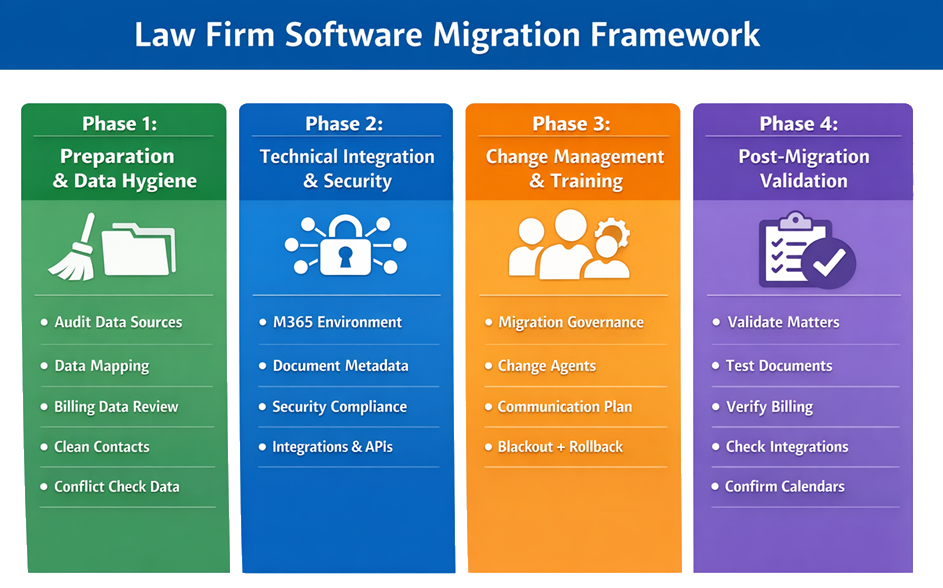
A successful law firm software migration typically follows four key phases:
Phase 1 – Preparation & Data Hygiene
- Audit existing data sources
- Clean duplicate client records
- Define data mapping between systems
- Archive unnecessary historical billing data
Phase 2 – Technical Integration & Security
- Standardize document storage and permissions
- Verify vendor security certifications
- Confirm data residency and compliance requirements
- Validate integrations with billing, document automation, and eSignature platforms

Phase 3 – Change Management & Training
- Establish project governance and leadership roles
- Communicate the migration plan to attorneys and staff
- Train users on new workflows and AI-powered tools
- Schedule a system blackout period and rollback strategy
Phase 4 – Post-Migration Validation
- Verify matter and client records
- Test document access and metadata integrity
- Validate billing and financial data
- Confirm integrations and calendar synchronization
Firms that follow this structured migration approach significantly reduce operational risk and ensure a smoother transition to modern legal practice management platforms.

Key Steps in a Successful Law Firm Software Migration
Phase 1: Preparation & Data Hygiene
Before migrating a single file, firms should first clean and organize existing data. Migrating disorganized or duplicate data into a new system simply recreates the same inefficiencies in a more expensive platform.
☑ Audit All Data Sources
Start by mapping where firm data currently lives. In most firms, information is scattered across:
- Legacy practice management software
- Local Excel billing spreadsheets
- Outlook folders and email archives
- Shared drives or physical servers
- Document management repositories
- Individual lawyer hard drives
Creating a data inventory ensures nothing critical is lost during migration.
☑ Define Data Mapping Between Systems
Before beginning a law firm software migration, firms must clearly define how data fields from the legacy system will translate into the new platform. Legal software platforms often structure data differently, and failing to document these relationships can result in incomplete records, reporting errors, or broken workflows.
A data mapping document should specify how each field in the legacy system corresponds to fields in the new system.
Typical mappings include:
- Client and matter identifiers
- Contact records and related entities
- Billing codes and time entry categories
- Document metadata such as author, matter association, and version history
- Custom fields used for internal reporting or workflow triggers

Legal operations teams typically create a data mapping spreadsheet that documents each field transformation. This document becomes essential during test migrations and troubleshooting.
Well-documented mapping ensures that:
- Client and matter relationships remain intact
- Financial data remains accurate
- Document associations are preserved
- Reporting dashboards function correctly after migration
Without clear mapping documentation, resolving post-migration issues becomes significantly more difficult.
☑ Apply the “3-Year Billing Rule”
Not all historical financial data needs to move.
Most firms migrate:
- 3 years of active billing records
- Current open matters
- Recent financial reports
Older billing data can remain archived in a secure read-only environment, reducing migration complexity and improving system performance.
☑ Clean and Deduplicate Client Contacts
Duplicate client records are one of the biggest problems during law firm software migrations.
Before migration:
- Merge duplicate contacts
- Standardize client naming conventions
- Update outdated emails and phone numbers
- Remove inactive contacts where appropriate
Clean data is essential for legal workflow automation, reporting, and AI tools.

☑ Verify Conflict Check Data
Conflict-of-interest checks rely heavily on historical matter records.
Ensure the new system has access to:
- Closed matter records
- Historical parties and opposing counsel
- Related entities connected to cases
Incomplete conflict data can create serious compliance risks.
Phase 2: Technical Integration & Security
Modern cloud legal software platforms and legal practice management systems function as connected ecosystems rather than standalone tools.
☑ Conduct an M365 Environment Check
Many legal platforms integrate deeply with Microsoft environments.
Before migration, standardize:
- SharePoint document libraries
- Folder naming conventions
- User permissions
- Outlook email filing categories
This prevents document disorganization once systems begin syncing.
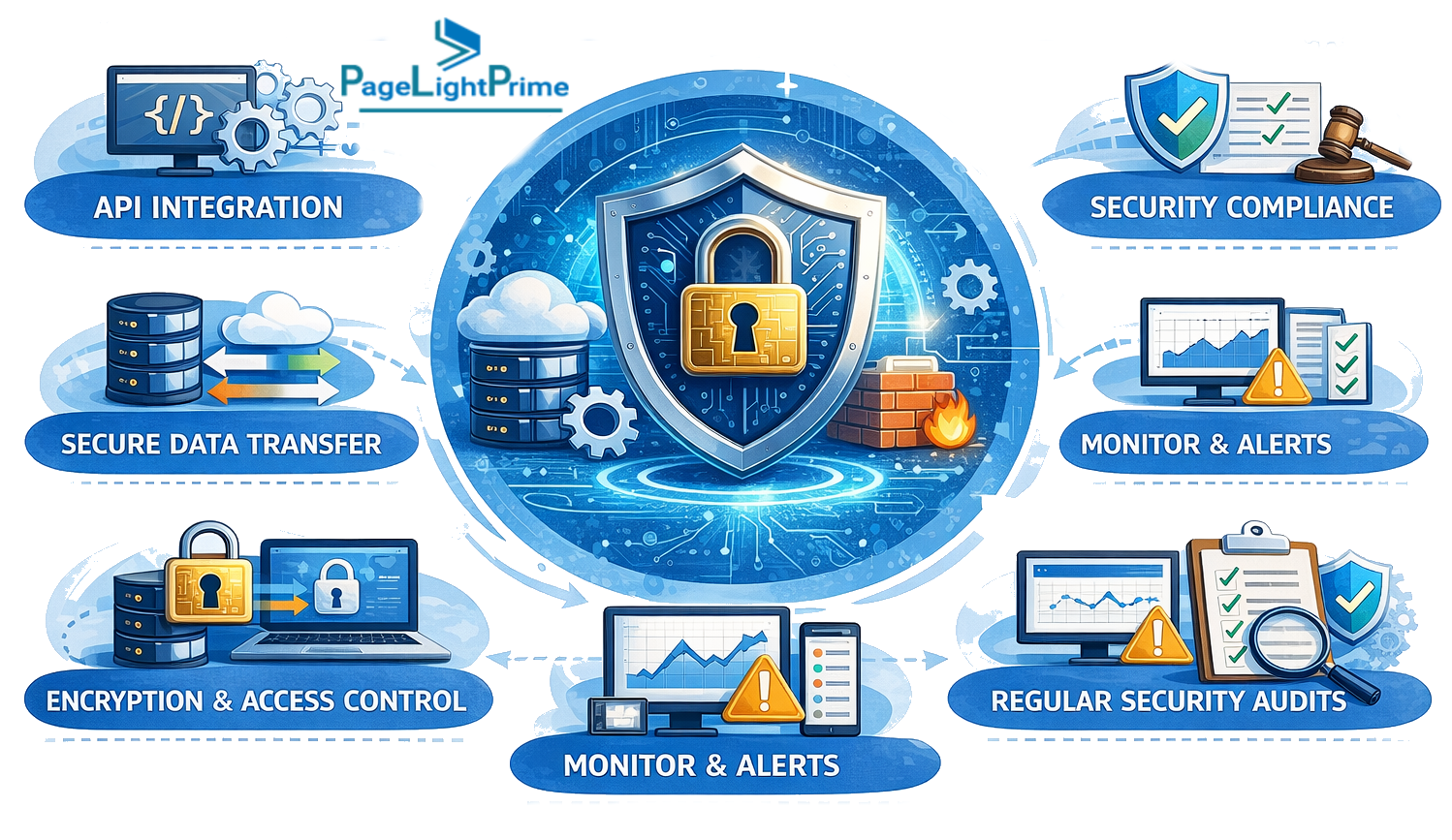
☑ Protecting Document Metadata During Migration
Documents represent one of the most valuable assets in a law firm’s knowledge base. During a migration, it is not enough to simply transfer files; firms must ensure that document metadata and relationships are preserved
Legal documents are often connected to multiple pieces of information, including:
- Matter or case identifiers
- Client records
- Document authorship and version history
- Document type classifications (contracts, pleadings, correspondence)
- Workflow status or approval history
If metadata is lost or incorrectly mapped during migration, documents may still exist in the new system but become difficult to locate or organize.
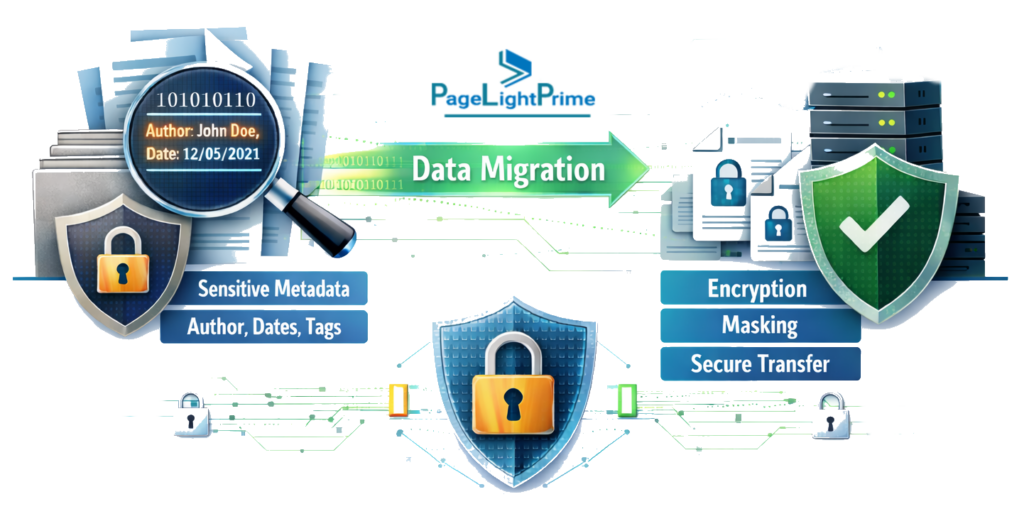
To preserve document integrity during migration, firms should:
- Verify document-to-matter relationships during test migrations
- Ensure metadata fields are properly mapped between systems
- Preserve document version histories where supported
- Test document search functionality using real matter scenarios
Some firms also choose to perform sample document audits, reviewing files from multiple matters to confirm that metadata appears correctly in the new system.
Maintaining accurate document metadata ensures attorneys can continue to quickly locate critical documents and maintain a reliable institutional knowledge base.
☑ Verify Security Certifications
Law firms handle highly sensitive information, making security essential.
Confirm the new vendor meets relevant standards such as:
- SOC 2 security compliance
- ISO 27001 certification
- GDPR or regional privacy regulations
- HIPAA (for healthcare-related matters)
- SRA or jurisdictional regulatory requirements
- Data residency requirements (where client data is physically stored and processed)

☑ Data Residency and Compliance Considerations
Law firms often handle highly sensitive client information, including financial records, litigation documents, and confidential communications. When migrating to cloud-based legal platforms, firms must understand where their data will be physically stored.
Data residency requirements may be influenced by:
- Local privacy regulations
- Professional conduct rules governing client confidentiality
- Industry-specific compliance obligations
- Cross-border legal matters

When evaluating new legal technology platforms, firms should confirm:
- The geographic locations of primary and backup data centers
- Whether data residency options are available for specific jurisdictions
- Encryption standards used for data at rest and in transit
- Access controls and audit logging capabilities
Understanding data residency is particularly important for firms that handle international matters or operate in jurisdictions with strict privacy regulations.

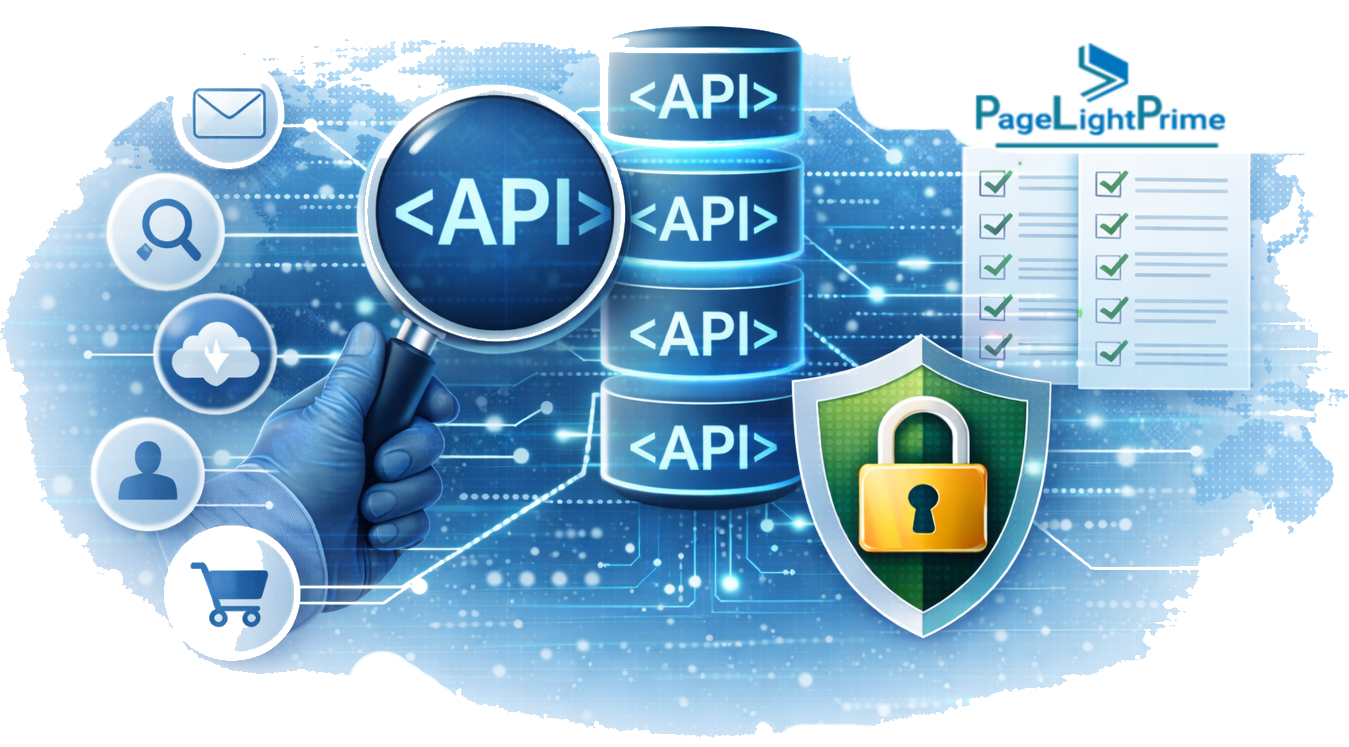
☑ Audit Integrations & APIs
Most firms rely on multiple specialized tools.
Common integrations include:
- eSignature platforms
- Accounting and billing systems
- Document automation tools
- Legal research platforms
- Client intake or CRM systems
Before migrating, verify the new platform supports native integrations or stable APIs.
Phase 3: Change Management & Training
Even the most advanced legal practice management system fails without strong user adoption.
☑ Migration Governance: Who Owns the Project?
Law firm software migrations often involve multiple stakeholders, including partners, attorneys, legal operations teams, IT staff, and external vendors. Without clear ownership and decision-making authority, projects can quickly stall or encounter conflicting priorities.
Establishing a formal governance structure helps ensure the migration progresses smoothly and that key decisions are made efficiently.

Most firms assign responsibility across three core roles:
Executive Sponsor
Typically a senior partner, managing partner, or CIO who provides strategic oversight. The executive sponsor ensures the project aligns with firm objectives and helps resolve high-level decisions or resource conflicts.
Project Lead
Usually a legal operations manager, IT director, or implementation consultant responsible for coordinating day-to-day migration activities. The project lead manages timelines, vendor coordination, data preparation, and internal communication.
Practice Representatives
Many firms designate representatives from different practice groups—such as litigation, corporate, or real estate—to ensure workflows in the new system reflect real operational needs.

A clearly defined governance structure helps maintain accountability, improves communication across teams, and ensures that migration decisions reflect both technical requirements and the practical needs of attorneys.
☑ Appoint Internal “Change Agents”
Successful firms designate internal champions.
Typically:
- One tech-forward partner
- One experienced paralegal or operations manager
These Power Users help train staff and support workflow transitions.
☑ Establish a Clear Communication Plan
Successful firms designate internal champions.

One of the most common causes of migration disruption is not technical failure, but lack of communication with attorneys and staff about what will change and when. A structured communication plan ensures that everyone in the firm understands the migration timeline, temporary disruptions, and new workflows.
Firms should communicate several key milestones during the migration process, including:
- When data cleanup activities begin
- Dates for training sessions and workflow demonstrations
- The planned system blackout period before go-live
- When the new system will become the primary platform
- Where users can obtain support during the transition
Many firms also designate a migration communication lead, typically from the operations or IT team, responsible for sending regular updates and answering questions.
Regular communication helps reduce uncertainty, encourages early feedback from attorneys, and improves overall adoption of the new platform once it goes live.
☑ Train Staff on AI and Workflow Automation
Modern platforms now include powerful AI features. Training should also emphasize how attorneys review and validate AI-generated outputs before relying on them in legal work.
Training should cover:
- AI-assisted document drafting
- Automated time capture
- Matter summarization tools
- Workflow automation triggers
- Intelligent document search

☑ Plan a “Blackout Period”
The final migration step requires a short data freeze window.
During this period:
- The old system stops accepting new data
- Final exports are completed
- The new platform goes live
Most firms schedule this during a weekend cutover window.
☑ Plan a Rollback Strategy
Even carefully planned migrations can encounter unexpected issues during the go-live phase. To reduce operational risk, firms should develop a rollback strategy before the final cutover.
A rollback plan allows the firm to temporarily return to the legacy system if critical problems appear after migration.

Common safeguards include:
- Maintaining the legacy system in read-only standby mode for a defined transition period
- Creating a full database snapshot or backup before final migration
- Running post-migration validation checks before enabling billing and document creation in the new system
- Running post-migration validation checks before enabling billing and document creation in the new system
In most cases, firms do not need to fully revert to the previous system. However, having a documented rollback procedure provides a safety net that protects billing operations and client data integrity.

Law Firm Software Migration Timeline
Most law firm software migration projects follow a structured timeline. While the exact duration varies by firm size and system complexity, a typical migration schedule looks like this:
| Stage | Typical Timeline |
|---|---|
| System evaluation | 2–4 weeks |
| Data audit & cleanup | 2–4 weeks |
| Data mapping & configuration | 1–2 weeks |
| Test migrations | 1–2 weeks |
| Training & workflow setup | 1–2 weeks |
| Final go-live | weekend cutover |
Phase 4: Post-Migration Validation Checklist
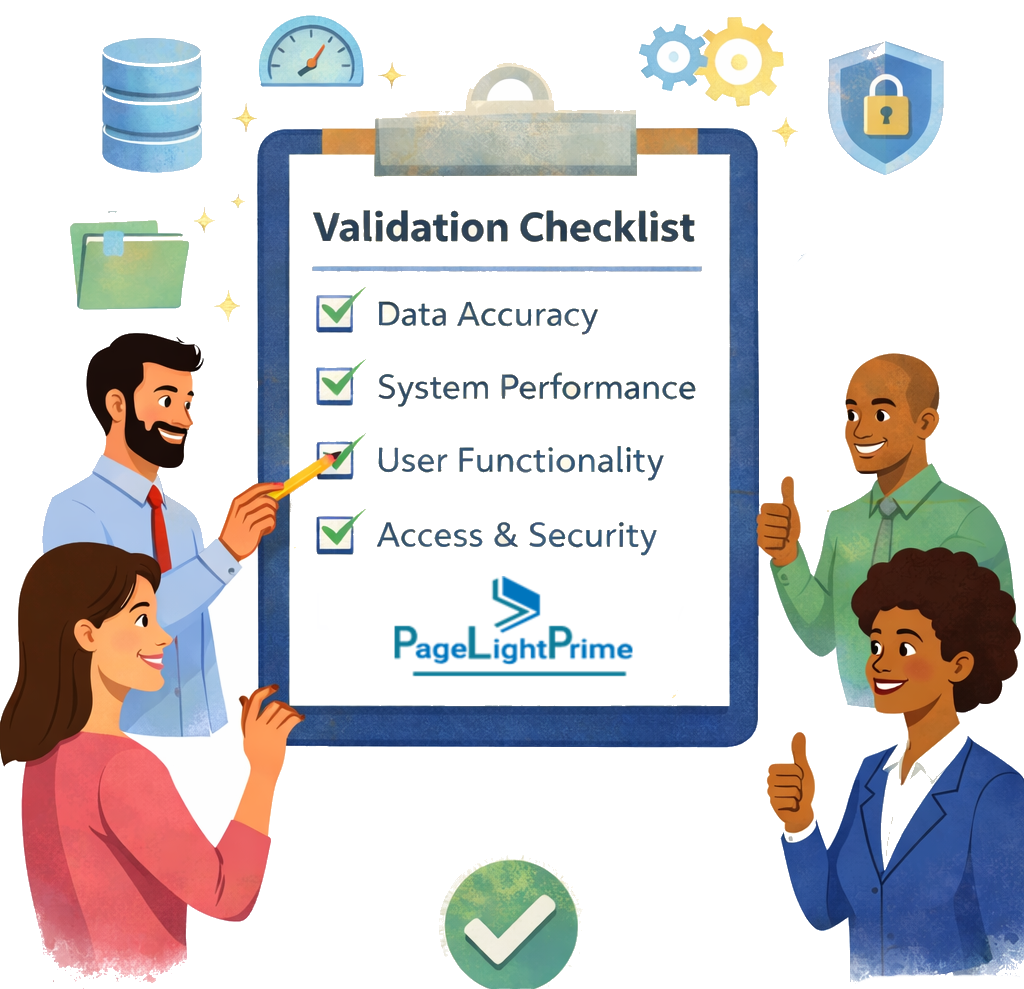
Completing the migration does not mean the project is finished. After the new system goes live, firms should perform a structured validation process to confirm that critical data, workflows, and integrations are functioning correctly.
Post-migration validation helps identify issues early before they affect billing, document access, or client communication.
Legal operations teams typically verify the following:
Matter and Client Records
- Confirm that all active matters appear in the new system
- Verify client contact details and related entities
- Ensure matter relationships (clients, opposing parties, related cases) remain intact
Document Access
- Open documents from multiple matters to verify correct file associations
- Confirm document version histories are preserved where applicable
- Validate that document search returns expected results
Billing and Financial Data
- Confirm recent billing records and time entries are visible
- Verify trust accounting balances and financial reports
- Run sample invoices to confirm billing workflows function correctly

Calendar and Task Data
- Check matter deadlines and court dates
- Confirm calendar synchronization with email platforms such as Outlook
Integrations
- Test integrations with accounting software
- Verify eSignature platform connectivity
- Confirm document automation tools and workflow triggers function correctly
Firms often run this validation process during the first 48–72 hours after go-live, while the migration team and vendor support resources are still available.

How to Choose the Right Legal Practice Management Platform Before Migration
Before beginning a law firm software migration project, firms should carefully evaluate the legal practice management platform they plan to adopt. Choosing the right system dramatically reduces migration complexity and improves long-term ROI.
Key factors to evaluate:
1️⃣ Core Practice Management Features
Look for platforms that support:
- Case and matter management
- Document management and version control
- Billing and trust accounting
- Calendar and task automation
- Secure client communication portals

2️⃣ Integration Capabilities
Your legal software should integrate with the tools your firm already relies on, including:
- eSignature platforms
- Accounting software
- Document automation tools
- Email and collaboration systems
Strong API support and native integrations reduce workflow disruptions after migration.
3️⃣ Cloud Security and Compliance
Confirm the platform meets key security and regulatory requirements such as:
- SOC 2 certification
- ISO 27001 standards
- GDPR or regional privacy compliance
Security should be a primary selection factor, not an afterthought.
4️⃣ AI and Automation Features
Modern legal platforms increasingly include:
- AI-assisted drafting tools
- Document summarization
- Automated time tracking
- Workflow automation rules
These features can significantly improve law firm productivity and efficiency.
5️⃣ Migration Support and Vendor Experience
Finally, evaluate the vendor’s migration experience.
Ask vendors:
- How many law firm migrations they perform annually
- What migration tools or specialists they provide
- Whether test migrations are included in onboarding
Experienced vendors dramatically reduce migration risk.

Common Law Firm Migration Mistakes
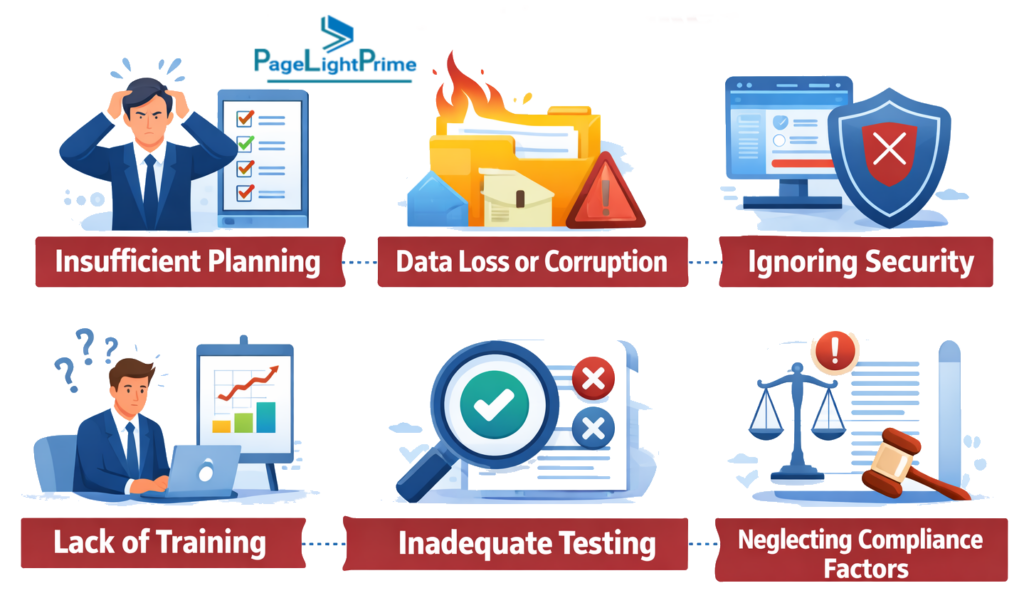
Even well-resourced firms often encounter similar challenges:
- Migrating duplicate or outdated client records
- Moving unnecessary historical billing data
- Failing to test integrations before system cutover
- Skipping structured staff training
- Underestimating workflow redesign requirements
Avoiding these mistakes significantly improves migration success.
Migration Best Practices from Legal Operations Teams
Legal operations teams that regularly oversee legal technology implementations and law firm software migrations consistently recommend the following best practices.
- ✔ Running test migrations in a staging environment
- ✔ Creating detailed data mapping documentation
- ✔ Testing integrations before go-live
- ✔ Scheduling migration during slower billing cycles
- ✔ Communicating clearly with attorneys about the transition timeline
A well-managed migration should feel like a controlled transition—not a disruptive overhaul.
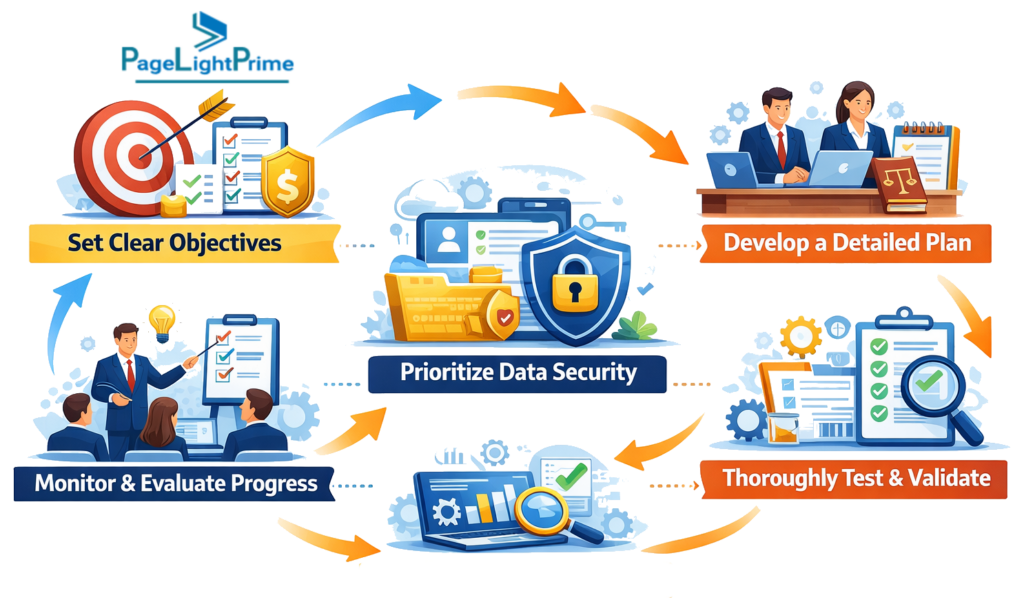
Law Firm Software Migration Readiness Checklist
Before initiating a law firm software migration, firms should confirm that key operational and technical prerequisites are in place. This readiness checklist helps legal operations teams determine whether the firm is prepared to begin the migration process.
Firms that can answer “Yes” to most of these questions are typically well-positioned for a successful migration.
Data Preparation
- ☐ Have all major data sources been identified and inventoried?
- ☐ Have duplicate client and contact records been cleaned?
- ☐ Has historical billing data been reviewed and archived where appropriate?
- ☐ Has a complete data mapping document been created?
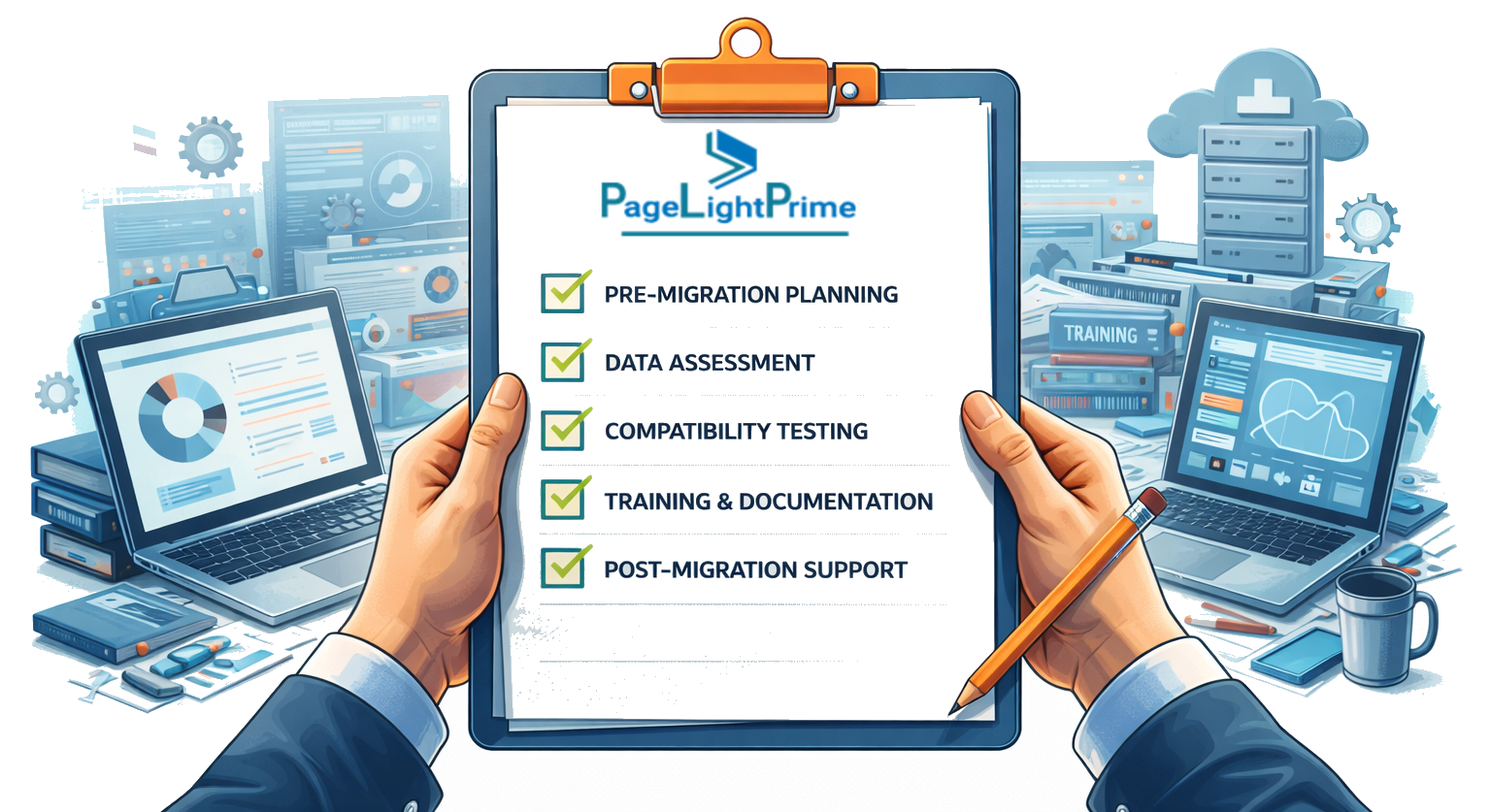
Technical Preparation
- ☐ Are document storage systems and metadata structures clearly defined?
- ☐ Have integrations with accounting, document automation, and eSignature tools been reviewed?
- ☐ Has the firm verified vendor security certifications and compliance standards?
- ☐ Are data residency and regulatory requirements documented?
Operational Preparation
- ☐ Has a migration governance structure been established?
- ☐ Has the firm designated a project lead and internal change agents?
- ☐ Are attorneys and staff aware of the planned migration timeline?
- ☐ Have training sessions been scheduled?

Migration Execution
- ☐ Have test migrations been completed successfully?
- ☐ Has a system blackout period been scheduled?
- ☐ Is a rollback plan documented in case issues occur during go-live?
Firms that complete these readiness steps significantly reduce the risk of migration delays, data inconsistencies, and workflow disruptions.

Case Study: Migrating from Legacy Systems to PageLightPrime
Many law firms rely on legacy platforms like Clio or PracticePanther for case management, billing, and document storage. While these systems serve basic needs, firms often encounter challenges as their operations grow:
- Duplicate or outdated client records
- Inconsistent document metadata
- Limited workflow automation
- Integration issues with accounting, eSignature, or AI tools
A mid-sized corporate law firm recently undertook a migration from Clio to PageLightPrime to address these challenges. Here’s how they approached it:
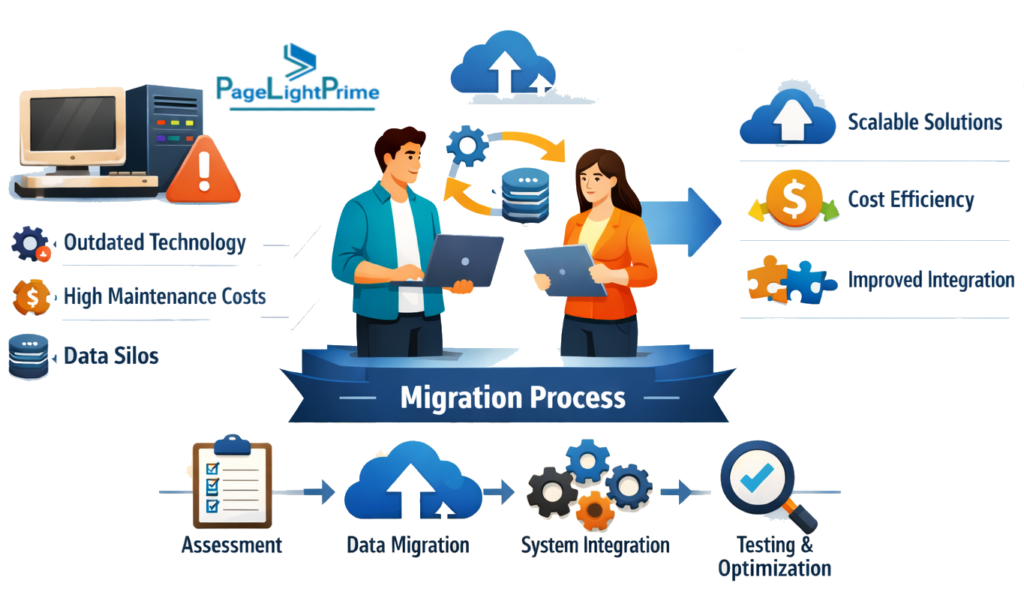
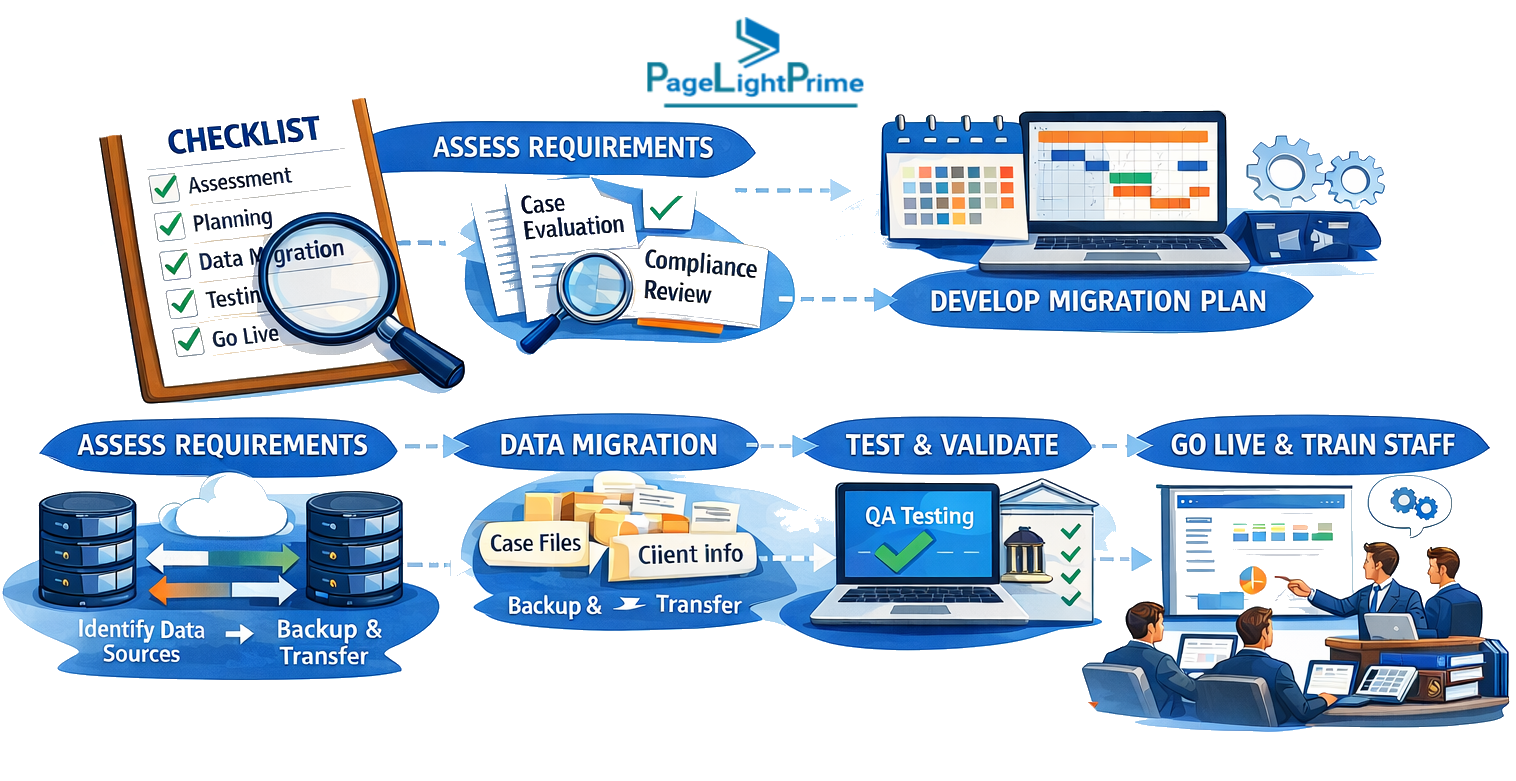
Step 1: Data Audit & Cleanup
The firm mapped all client records, matters, documents, and billing histories. Using PageLightPrime’s migration toolkit, they identified duplicate contacts and standardized client naming conventions before migration.
Step 2: Test Migration
A staging environment allowed them to transfer a subset of matters and documents, preserving metadata and verifying integration with their accounting and eSignature systems. The team identified minor mapping adjustments early, avoiding disruptions during go-live.
Step 3: Staff Training & Change Management
Internal “change agents” led training on AI-assisted drafting, workflow automation, and intelligent search within PageLightPrime. Regular communication ensured attorneys and paralegals were confident using the new platform.
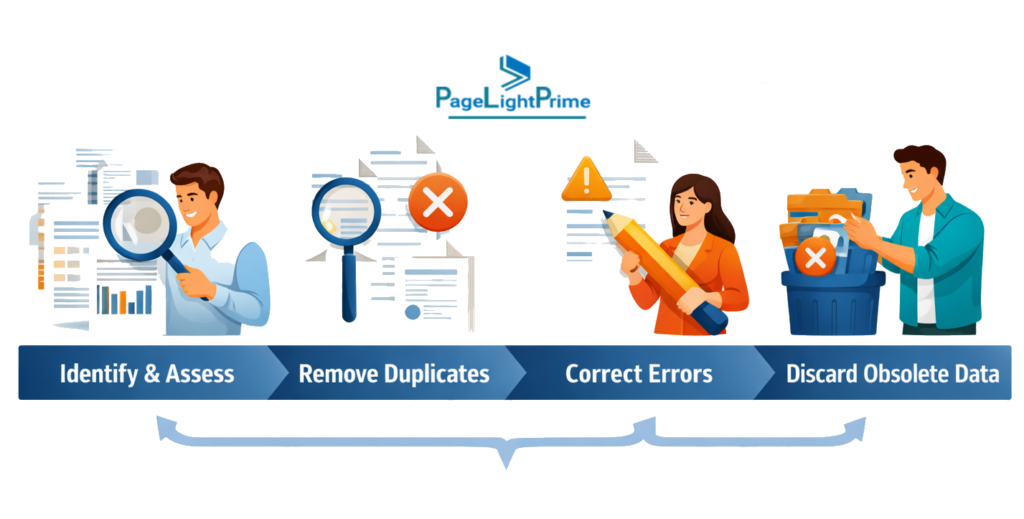
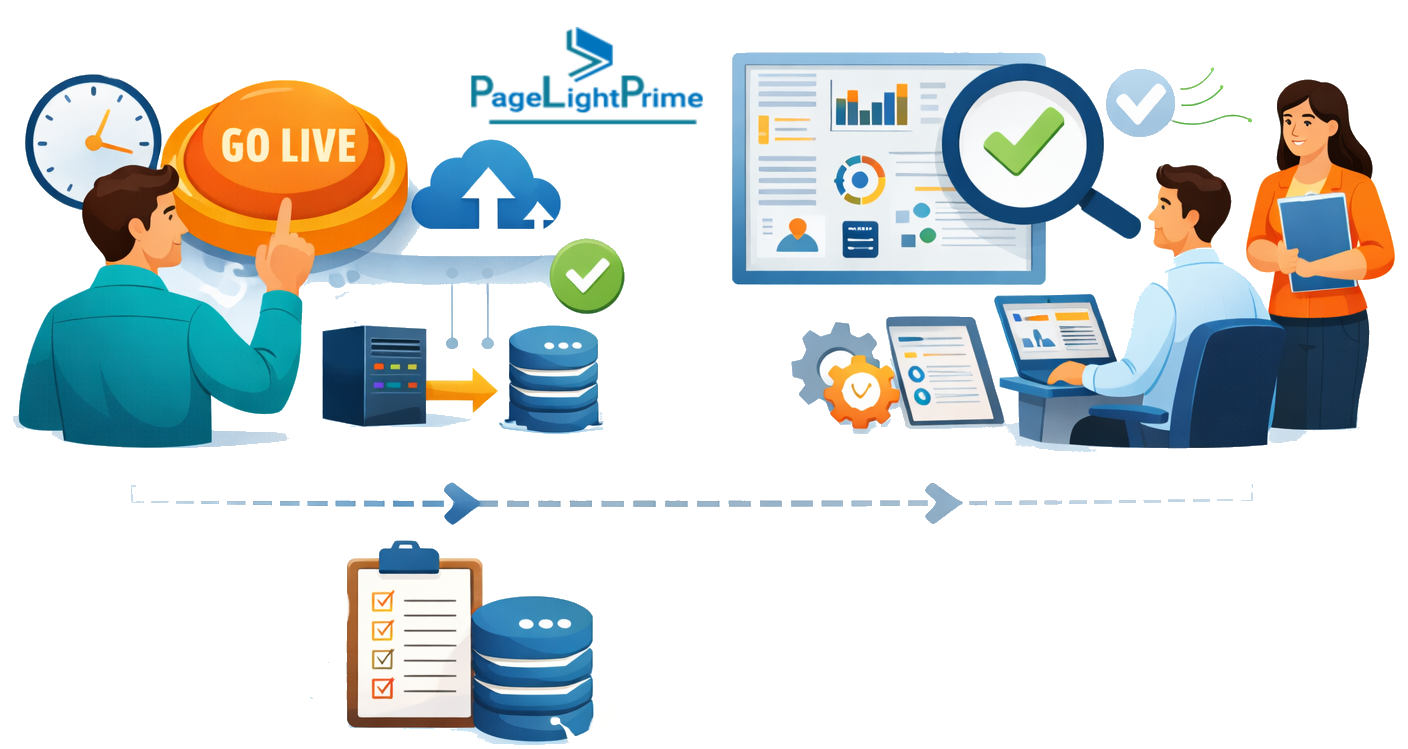
Step 4: Final Cutover & Post-Migration Validation
During a weekend blackout period, the firm migrated all active matters, billing data, and documents. Post-migration checks confirmed all matter relationships, billing workflows,and document associations were intact. PageLightPrime’s real-time dashboards allowed immediate validation and minimized downtime.
Outcome:
- Migration completed with zero lost data
- Duplicate contacts reduced by 95%
- Billing workflows fully operational on day oneAttorneys adopted AI-assisted drafting and automated matter summaries within the first month
- Attorneys adopted AI-assisted drafting and automated matter summaries within the first month
Why Law Firm Software Migrations Fail
Despite careful planning, many law firm software migration projects encounter serious challenges. In most cases, failures are not caused by technology alone but by operational and organizational issues during the migration process.
Understanding these common pitfalls helps firms avoid disruptions and ensures a smoother transition to modern legal practice management platforms.
Poor Data Preparation
One of the most common causes of migration failure is moving disorganized or inaccurate data into the new system.

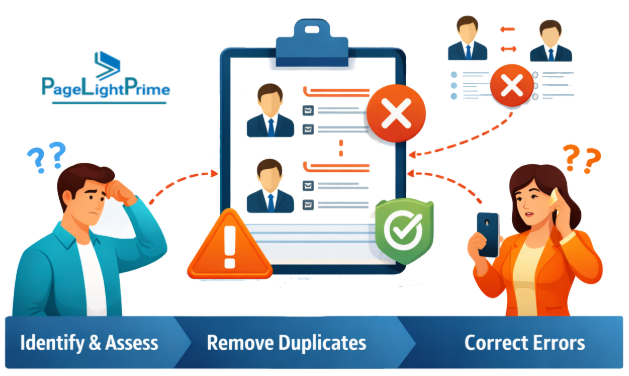
Law firms often accumulate years of inconsistent records across multiple systems, including duplicate client contacts, outdated matter information, and incomplete billing records. When this data is migrated without proper cleanup, the new platform inherits the same inefficiencies.
Common data preparation issues include:
- Duplicate client and contact records
- Inconsistent matter naming conventions
- Missing document metadata
- Outdated contact information
- Incomplete financial or billing records
Cleaning and standardizing data before migration significantly improves system performance and reporting accuracy.
Incomplete Data Mapping
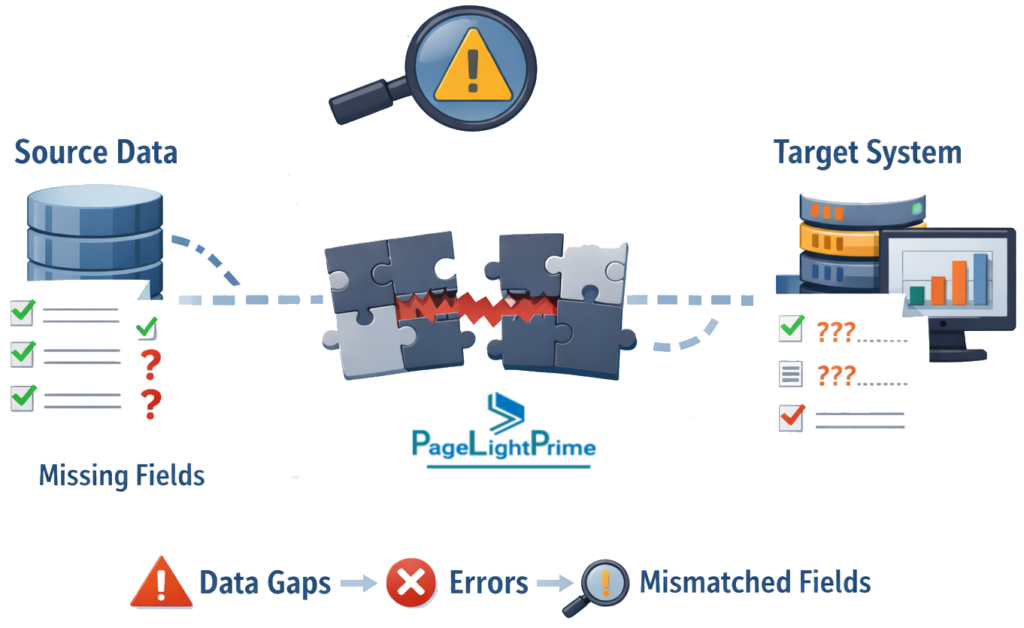
Legal software platforms structure information differently. If data fields are not carefully mapped between the legacy system and the new platform, critical information can be lost or misaligned during migration.
Typical mapping issues include:
- Client and matter relationships not transferring correctly
- Billing codes mapping incorrectly to new financial categories
- Document metadata fields being dropped or renamed
- Custom workflow fields failing to migrate
Detailed data mapping documentation and test migrations help prevent these problems.
Loss of Document Metadata
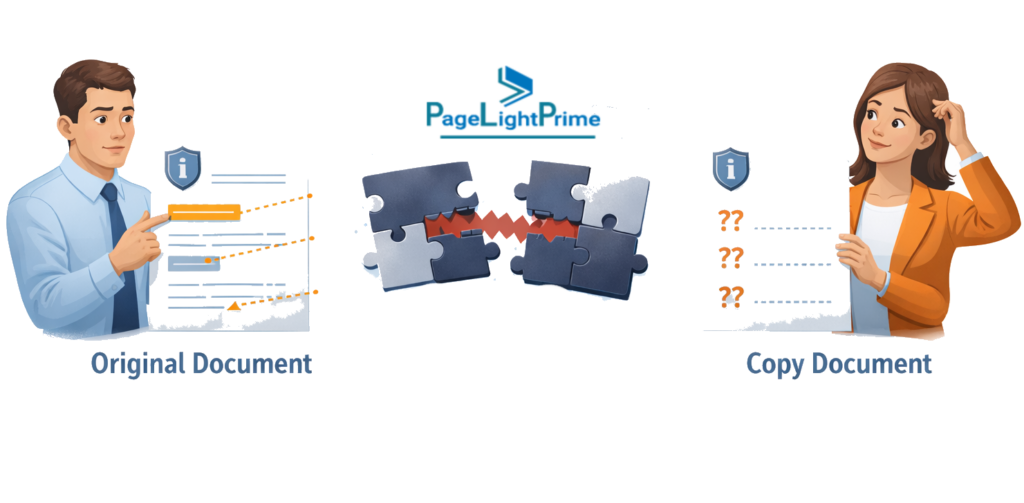
Documents represent one of the most valuable assets within a law firm’s knowledge base. However, migrations sometimes focus only on transferring files rather than preserving the metadata associated with those files.
If metadata is lost during migration, documents may remain accessible but become difficult to organize or locate.
Metadata risks include:
- Broken links between documents and matters
- Missing version histories
- Loss of document authorship information
- Incorrect document classifications
Maintaining document metadata ensures attorneys can continue to locate information quickly and maintain institutional knowledge.
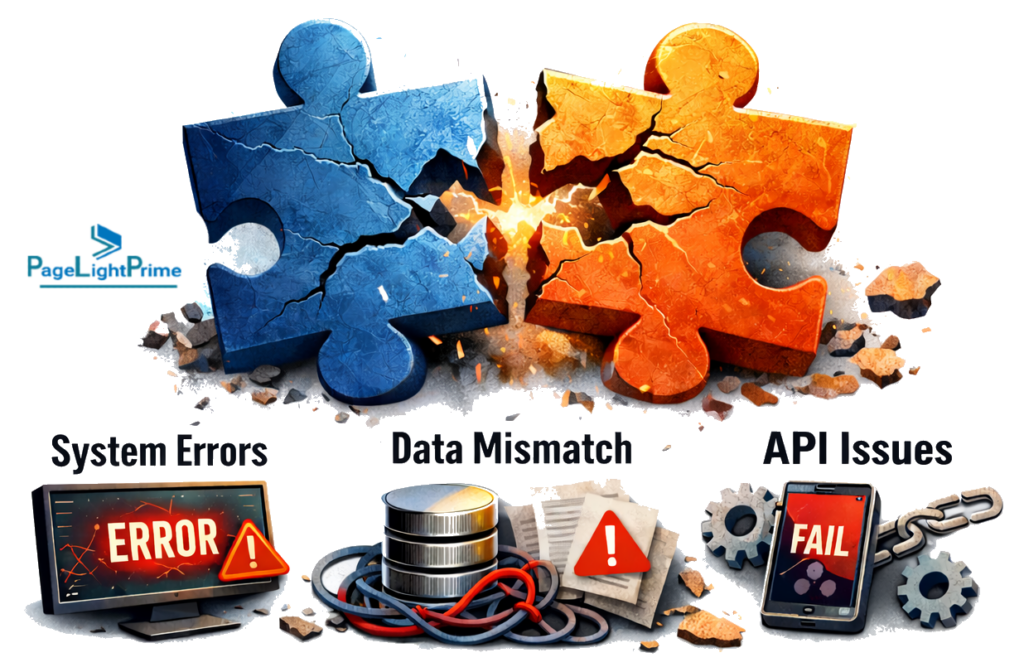
Integration Failures
Modern legal practice management platforms rarely operate in isolation. Most firms rely on integrations with accounting systems, document automation tools, eSignature platforms, and client intake solutions.
If integrations are not tested prior to go-live, firms may encounter operational disruptions.
Examples include:
- Billing systems failing to sync with accounting software
- eSignature workflows breaking after migration
- Document automation templates referencing outdated fields
- Email filing integrations failing within Outlook environments
Testing integrations in a staging environment before final cutover helps prevent these issues.
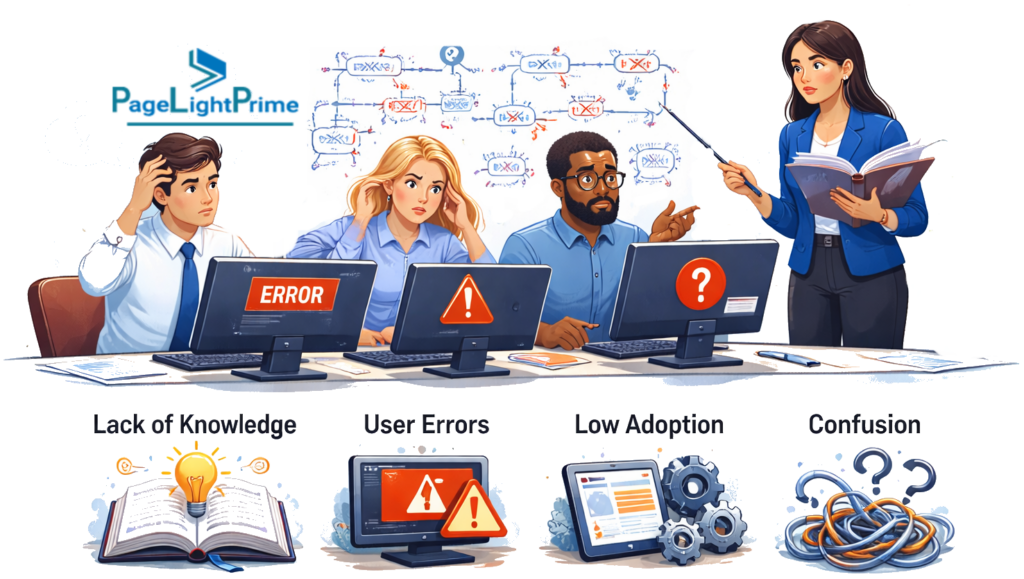
Insufficient Staff Training
Technology adoption is a major factor in migration success. Even the most advanced legal platform will fail to deliver value if attorneys and staff are not comfortable using the new system.
Common training gaps include:
- Lack of workflow demonstrations before go-live
- Minimal guidance on AI-powered features
- Unclear procedures for document storage and retrieval
- Limited support resources during early adoption
Firms that invest in structured training sessions and designate internal “power users” typically experience much higher adoption rates.
Underestimating Workflow Changes
A migration is not simply a technical upgrade. It often requires redesigning how legal work is organized, tracked, and billed.
Firms that attempt to replicate outdated workflows within a new platform often miss opportunities to improve efficiency.
Examples include:
- Continuing manual time tracking instead of using automated capture tools
- Maintaining outdated document naming conventions
- Replicating inefficient approval processes
- Ignoring automation features available in the new system
Successful migrations treat the project as an opportunity to modernize workflows rather than simply recreate the legacy system.

Lack of Governance and Project Ownership
Software migrations involve multiple stakeholders, including partners, attorneys, legal operations teams, and IT staff. Without clear leadership and decision-making authority, projects can stall or suffer from conflicting priorities.
Typical governance issues include:
- No designated project lead
- Unclear escalation paths for technical problems
- Lack of coordination between vendors and internal teams
- Delays in approving workflow or configuration decisions
Establishing a clear governance structure with an executive sponsor and project lead helps ensure accountability and progress throughout the migration.

Poor Communication Across the Firm
Migration projects can disrupt normal operations, especially during data cleanup and system cutover periods. If attorneys and staff are not informed about these changes, confusion and resistance often follow.
Communication failures may include:
- Users unaware of upcoming system downtime
- Staff unclear about new workflows
- Lack of guidance on where to access support
- Attorneys continuing to enter data in the legacy system after migration begins
Regular updates, clear migration timelines, and designated support channels help reduce uncertainty and encourage early adoption.

Final Insight
Most law firm software migrations do not fail because of the technology itself. Instead, failures usually stem from poor preparation, weak communication, and lack of structured change management.
Firms that prioritize data quality, governance, integration testing, and staff training significantly increase the likelihood of a smooth and successful migration.
“
Final Takeaway
A successful law firm software migration depends on three core pillars:
- 1️⃣ Clean and well-structured data
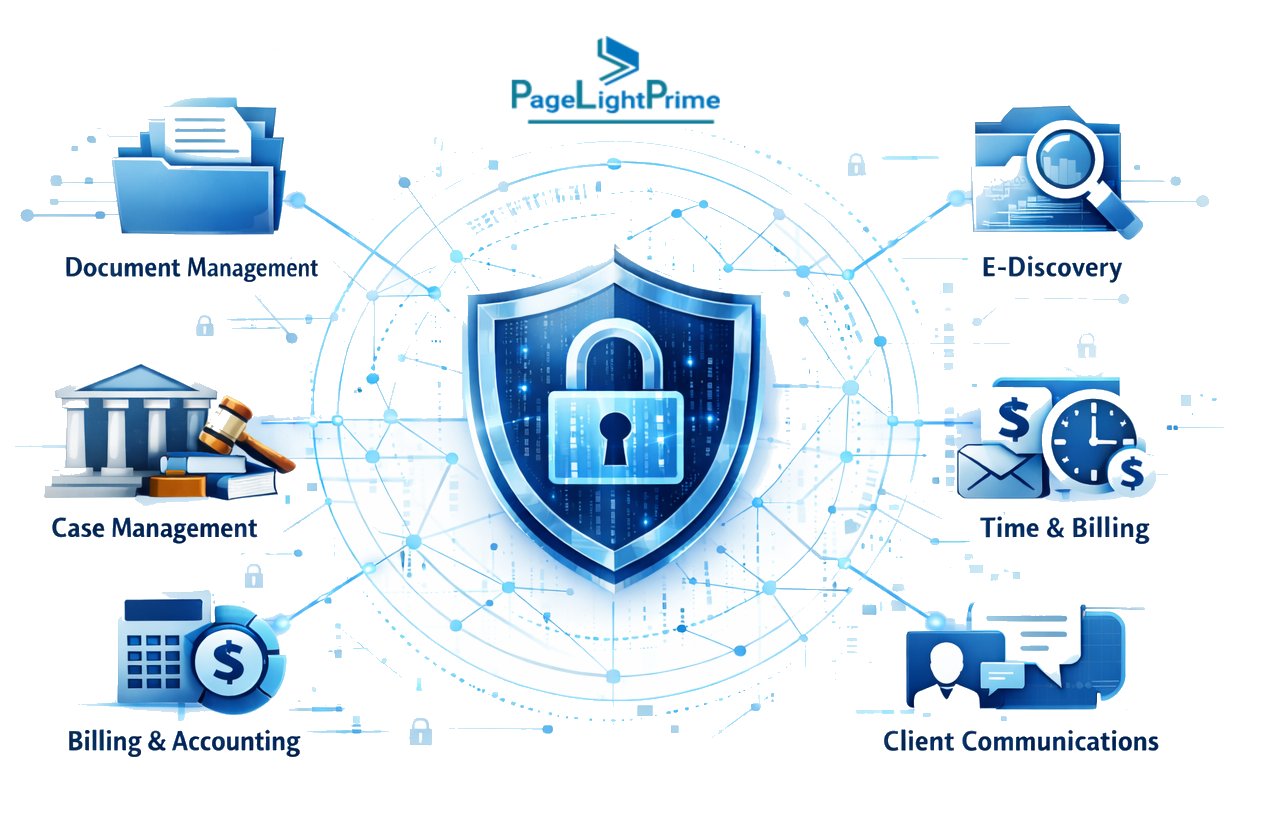
- 2️⃣ Secure integrations across the legal technology stack
- 3️⃣ Strong adoption by attorneys and legal staff
Successful law firm software migrations are rarely just technology projects. They are operational transformations that reshape how legal work is organized, documented, and delivered.
Firms that approach migration with strong data governance, careful integration planning, and structured change management unlock the full value of modern legal technology—from AI-assisted workflows to real-time operational insight.
“
FAQ: Frequently Asked Questions About Law Firm Software Migration
How long does a law firm software migration take?
Most law firm software migrations take 4–12 weeks, depending on:
- Firm size
- Complexity of integrations
- Volume of historical data
Firms that complete data cleanup and test migrations ahead of time typically experience much smoother transitions.
What data should be migrated to new legal software?
Most firms migrate:
- Active matters
- Client contact records
- Documents related to open cases
- Calendars and task lists
- Recent billing and financial records (usually 2–3 years)
Older records are usually archived in a secure read-only environment instead of fully migrated.
What are the biggest risks during legal software migration?
The most common risks include:
- Migrating duplicate or outdated client data
- Losing document relationships during transfer
- Integration failures with accounting or eSignature systems
- Poor staff adoption of the new platform
- Incomplete conflict-check data
Proper planning, testing, and training significantly reduce these risks.
What happens to documents during migration?
Documents are typically migrated along with their metadata, including matter association, authorship, and version history.
However, legacy systems often store documents using inconsistent naming conventions or incomplete metadata. During migration, firms should verify that document relationships—such as links to matters, clients, or billing records—remain intact.
How much does law firm software migration cost?
The cost of a law firm software migration depends on several factors, including firm size, data complexity, and the number of integrations involved. Small firms may spend a few thousand dollars on migration services, while larger firms with extensive document archives and custom integrations may invest significantly more. Many vendors include basic migration services as part of their implementation packages, which can help reduce upfront costs.