
Microsoft 365 Law Firm Software for Legal Teams
Law firms are under increasing pressure to modernize operations while maintaining strict confidentiality, compliance, and financial oversight. Microsoft 365 law firm software enables firms to manage matters, billing, documents, and collaboration directly within the tools attorneys already use.
As firms evaluate long-term law firm cloud migration strategies, many are moving away from fragmented legal SaaS platforms toward legal software for Microsoft 365 that operates natively within their existing infrastructure.
One solution leading this transformation is PageLightPrime — a complete practice management platform built directly inside Microsoft 365.
Written by Knowledge Team, posted on February 25, 2026
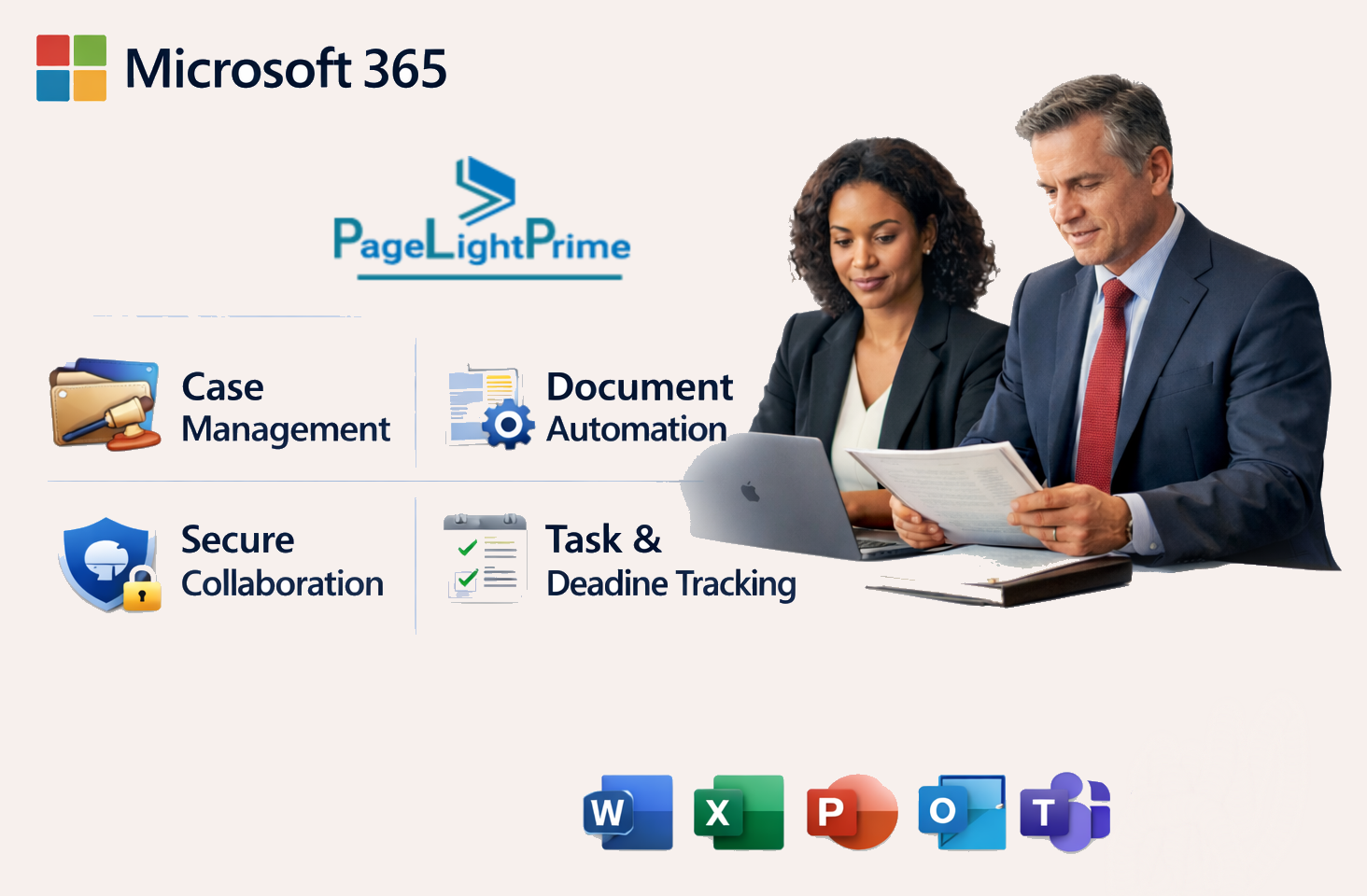
What Is PageLightPrime
PageLightPrime is comprehensive legal practice management software legal practice management software on Microsoft 365 designed to function as core law firm operational software.
- A structured matter management system
- Integrated law firm billing solution and trust accounting
- SharePoint-based document control
- Legal document automation
- CRM and intake workflows
- Law firm workflow management
Unlike traditional legal SaaS alternatives that store data externally, PageLightPrime operates entirely within the firm’s Microsoft tenant, strengthening legal data governance and long-term flexibility.

Why Law Firms Are Moving to Microsoft 365-Based Legal Software
Many firms encounter operational friction with traditional systems.
Disconnected Systems
Separate tools for case management, billing, and document storage create duplication and inefficiencies.
Vendor-Controlled Infrastructure
External SaaS hosting limits direct governance and increases dependency on third-party vendors.

Integration Fragility
API-based connectors to Microsoft tools can introduce:
- Sync delays
- Permission conflicts
- Audit gaps
- Version inconsistencies
Limited Workflow Adaptability
Rigid systems restrict customization of intake, billing, and matter workflows.
Firms prioritizing security, scalability, and IT governance are increasingly choosing Microsoft-based legal software to centralize operations within their existing Microsoft environment.

Microsoft 365 vs Traditional Legal SaaS Platforms
Law firms researching legal SaaS alternatives often compare Microsoft-based systems to platforms such as Clio.
Traditional SaaS platforms typically store firm data in vendor-controlled infrastructure. In contrast, legal practice management built natively on Microsoft 365 operates inside the firm’s own tenant, leveraging the enterprise-grade cloud foundation of Microsoft Azure.
This architectural difference impacts:
- Data ownership
- Legal IT governance
- Security policy enforcement
- Microsoft tenant security alignment
- Cloud migration flexibility
For firms searching for a Clio alternative, the key distinction is whether operational software lives inside a vendor’s ecosystem — or inside the firm’s own Microsoft infrastructure.

Key Features of Microsoft 365 Legal Practice Management Software
Modern legal teams require structured workflows supported by secure cloud architecture.
Microsoft 365 Integration
Attorneys manage:
All within Outlook, Teams, and SharePoint.
Matter-Centric Case Management
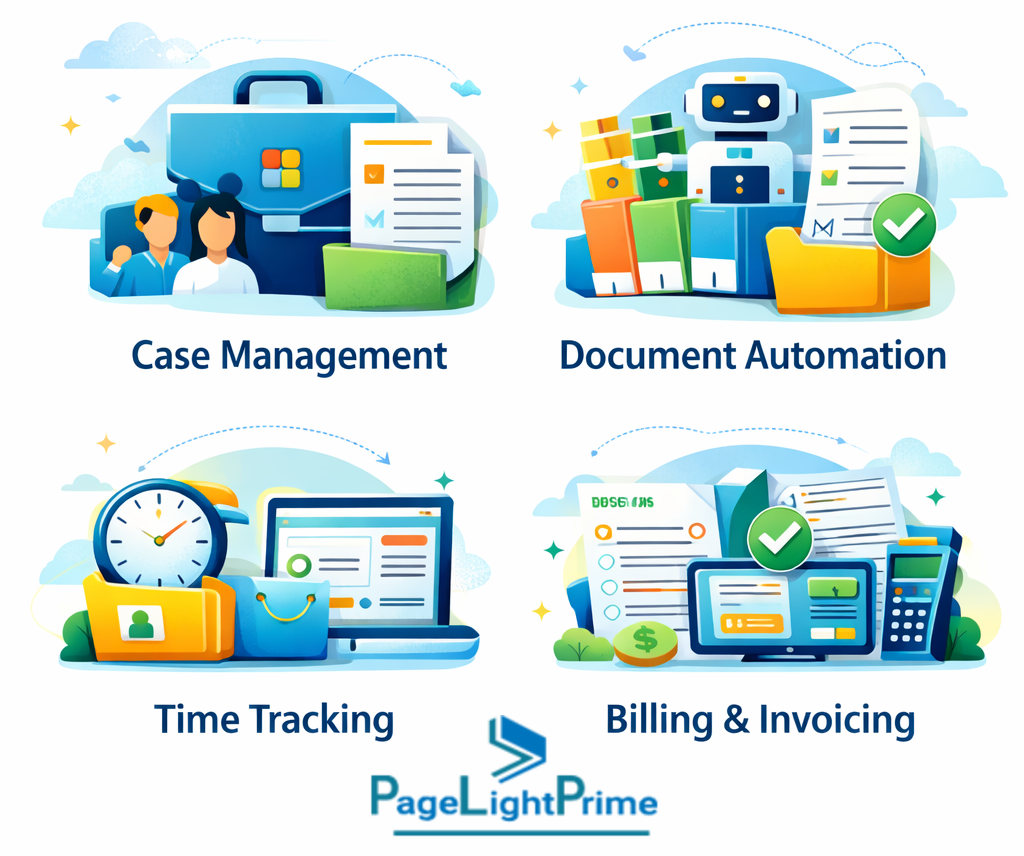
The platform functions as a centralized matter management system, organizing:
- Matters and sub-matters
- Court deadlines
- Task workflows
- Client communications
- Related documents
Everything revolves around the matter.
Law Firm Billing & Trust Accounting
Integrated billing tools support:
- Billable time capture
- Invoice generation
- Retainer tracking
- Trust accounting compliance
Financial operations remain tied directly to case activity.
SharePoint Document Management
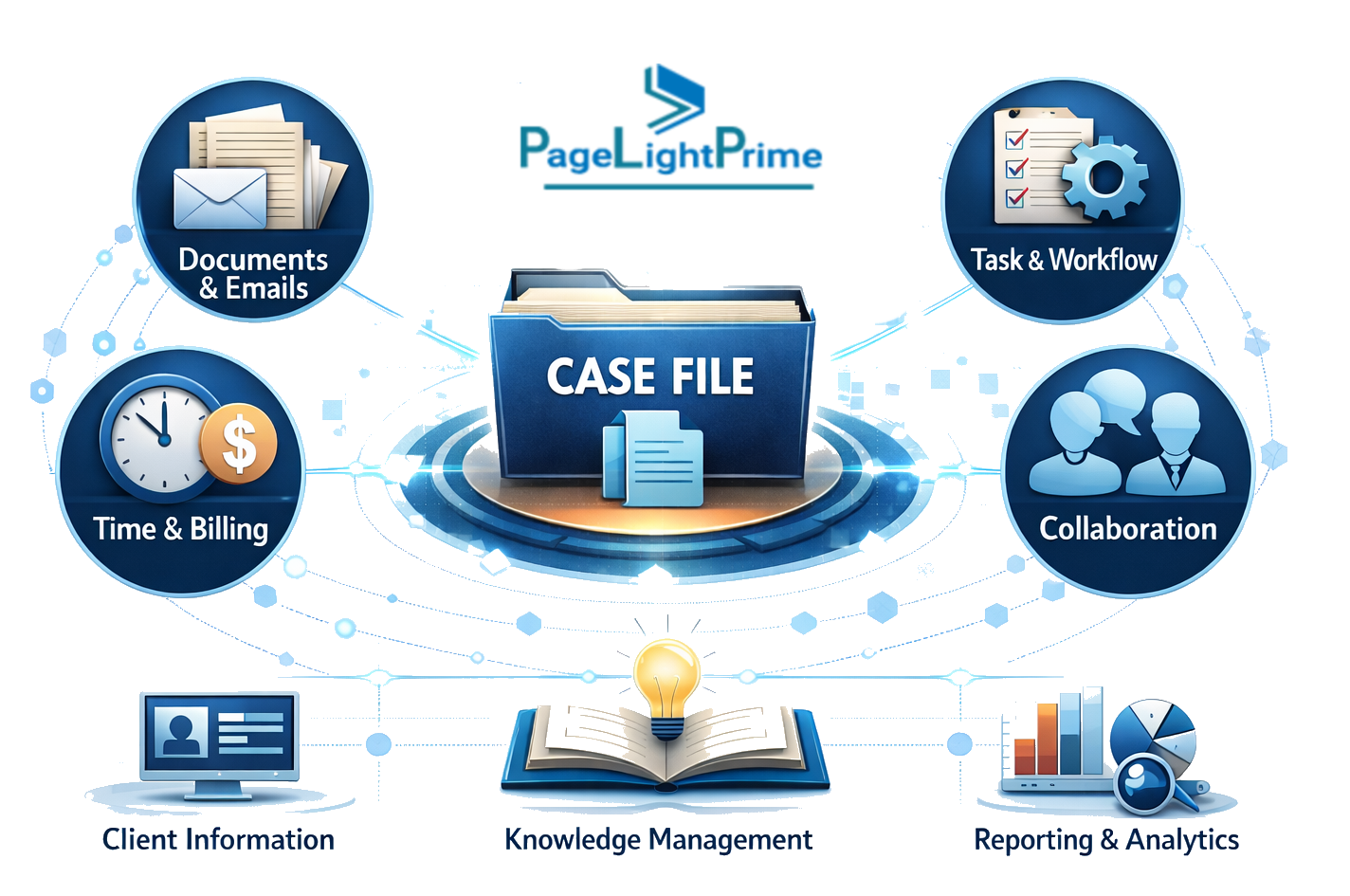
Structured SharePoint law firm document management provides:
- Secure cloud storage
- Version control
- Permission-based access
- Matter-level organization
- Advanced search
Operating within Microsoft 365, SharePoint becomes a legal-grade document management system aligned with firm-level governance and Microsoft tenant security policies.
Legal Document Automation
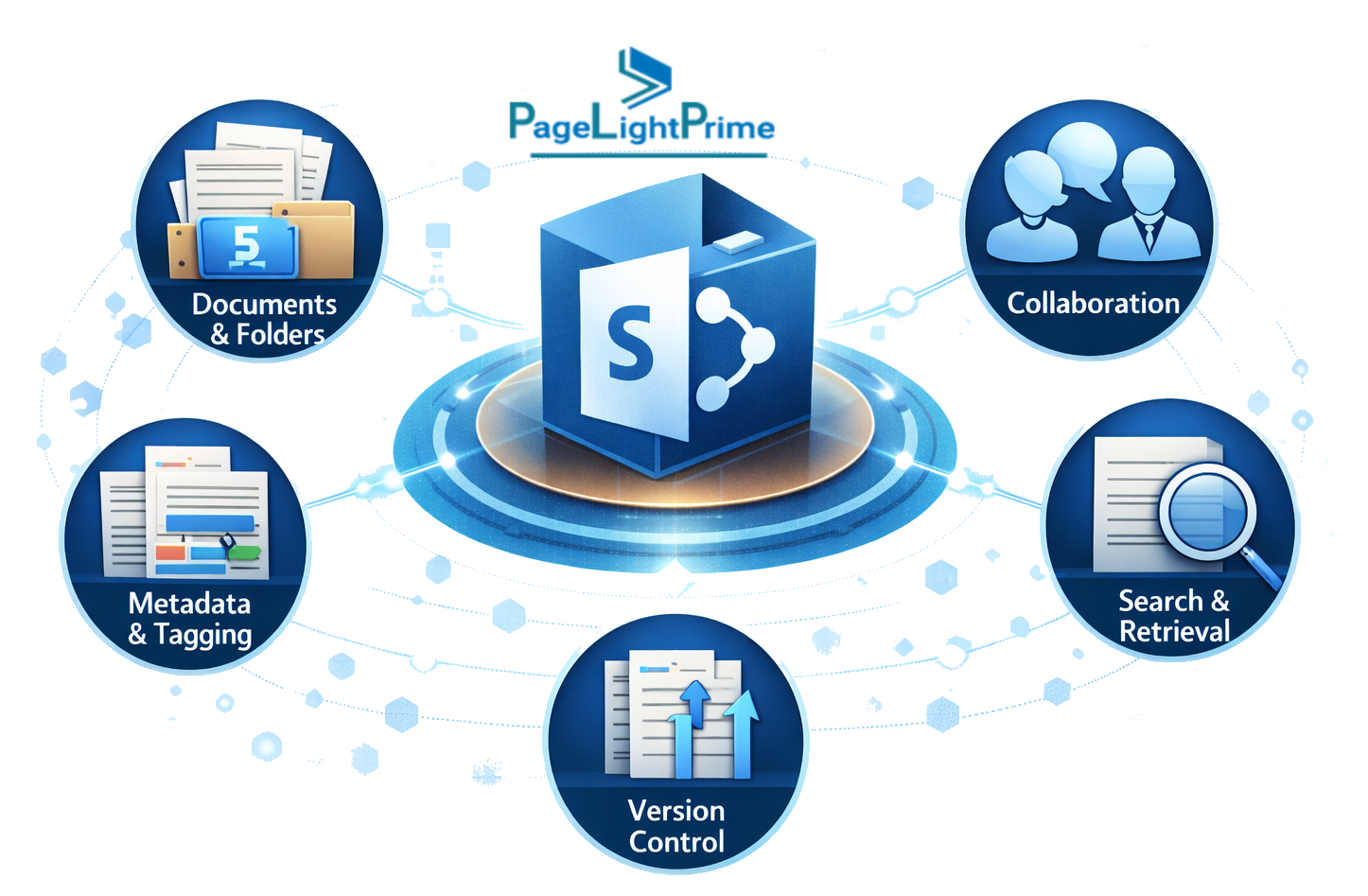
Integrated legal document automation enables:
- Standardized templates
- Clause libraries
- Automated document assembly
- Repeatable drafting workflows
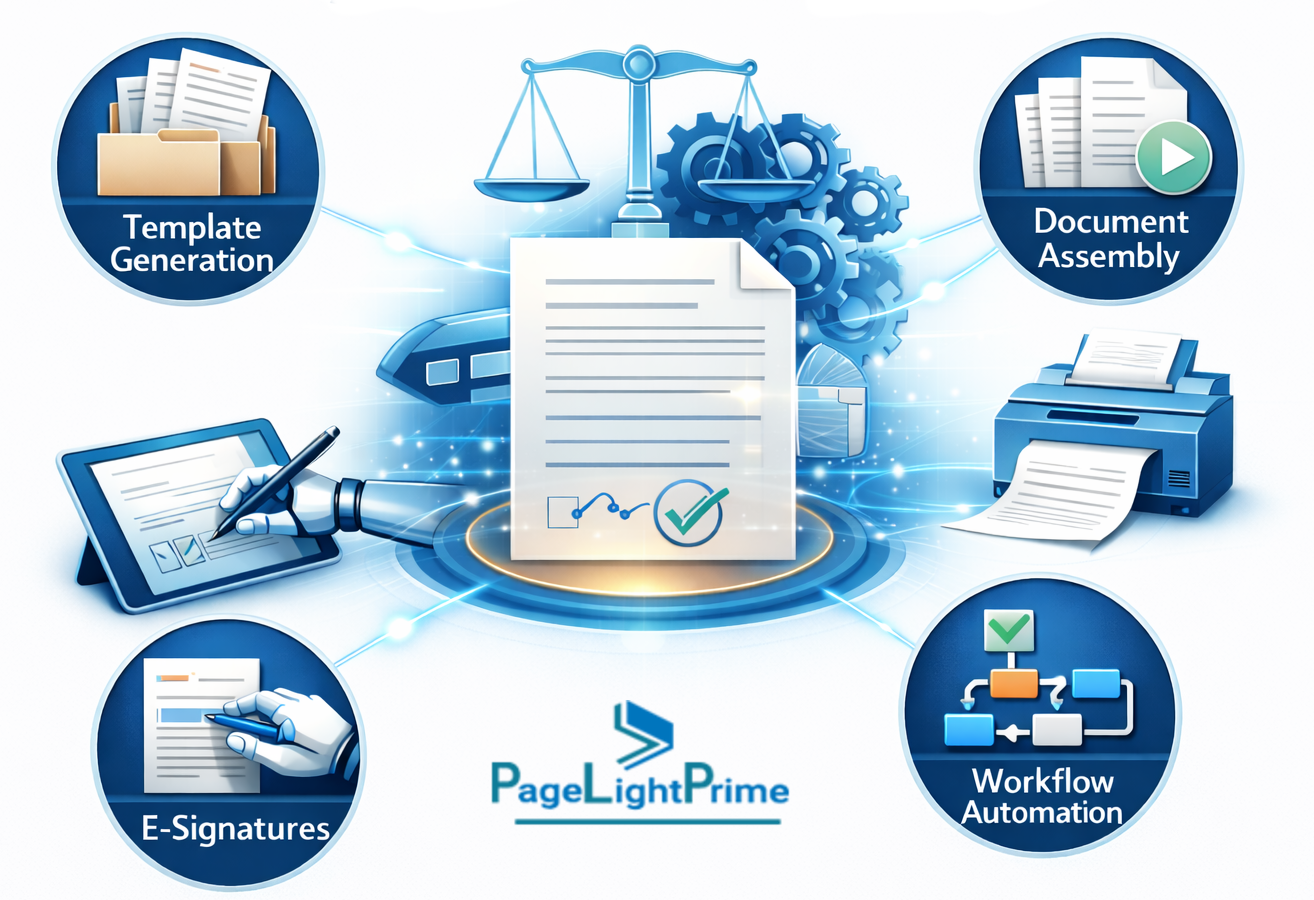
By embedding automation within the broader practice management platform, firms reduce manual drafting time, improve consistency, and strengthen operational efficiency across matters.
CRM & Workflow Management
Built-in Legal CRM capabilities support:
- Conflict checks
- Client intake
- Prospect tracking
- Automated communications
This strengthens law firm workflow management across practice areas.
Security & Compliance for Law Firms
Security and compliance are foundational to legal operations. PageLightPrime leverages infrastructure powered by Microsoft Azure.
Microsoft Azure Security Infrastructure
- Continuous monitoring
- Advanced threat detection
- Global redundancy
- Enterprise-grade controls
Microsoft Tenant Security & Legal Data Governance
Operating inside the firm’s Microsoft tenant enhances:
- Unified identity management
- Consistent policy enforcement
- Centralized access governance
- Legal data governance oversight

Data Encryption & Protection
Role-Based Permissions
- Granular access controls
- Ethical wall configuration
- Matter-level restrictions
- Segmented team visibility

Audit Trails
- Document access logging
- Billing change tracking
- Activity monitoring
- Compliance-ready reporting
Trust Accounting Compliance
- Segregated client trust accounts
- Transaction-level tracking
- Reconciliation reporting
- Audit-ready financial transparency

PageLightPrime vs Traditional Legal Practice Management Software
| Feature | Traditional Software | Microsoft-Based Legal Software |
|---|---|---|
| Platform Foundation | Vendor platform | Built within Microsoft 365 |
| Deployment Model | Vendor-hosted / on-premise | Cloud-based |
| Document Storage | Standalone DMS | SharePoint-based |
| Workflow Management | Limited | Integrated law firm workflow management |
| Document Automation | Add-on | Native legal document automation |
| Security Model | Vendor-defined | Microsoft Azure infrastructure |
| Data Governance | Vendor-controlled | Firm-level legal data governance |
| Customization | Restricted | Configurable within Microsoft |
| Cloud Migration Support | Separate initiative | Built into Microsoft ecosystem |
Benefits by Firm Size
Solo Attorneys
- Simplified matter management
- Secure cloud access
- Minimal IT overhead
- All-in-one operational software
Mid-Size Firms
- Structured workflow automation
- Integrated billing oversight
- Stronger governance controls
- Scalable collaboration

Enterprise & Multi-Office Firms
- Centralized legal IT governance
- Tenant-level security enforcement
- Cross-practice workflow management
- Scalable cloud infrastructure
Legal software for Microsoft 365 scales with firm growth and digital maturity.

“
Is Microsoft 365 Law Firm Software Right for Your Firm?
If your firm is evaluating:
- Legal SaaS alternatives
- Law firm cloud migration
- Governance modernization
- Practice management platform consolidation
Then adopting legal practice management on Microsoft 365 may align with long-term strategic objectives.
It reduces platform sprawl.
It strengthens Microsoft tenant security.
It enhances legal data governance.
It centralizes operational workflows.
Through its native architecture inside Microsoft 365, PageLightPrime delivers scalable, secure, and future-ready law firm operational software.

“
FAQ: Frequently Asked Questions
How is native Microsoft-based legal software different from integrated systems
Native Microsoft-based legal software operates entirely within a firm’s Microsoft tenant. Integrated systems connect through APIs and store data externally. Native architecture eliminates syncing issues, reduces duplication, and preserves direct governance over firm data.
Is Microsoft 365 secure enough for law firms
Yes. Microsoft 365 runs on enterprise infrastructure powered by Microsoft Azure. It includes encryption, multi-factor authentication, role-based permissions, and audit logging designed to support legal confidentiality and compliance requirements.
Who owns the data in Microsoft 365 legal practice management systems
When legal practice management software is built natively on Microsoft 365, the firm retains ownership of its data within its tenant rather than a vendor-controlled database.
Does Microsoft 365 law firm software support trust accounting?
Yes. It can include integrated trust accounting tools that manage segregated client funds, track transactions, generate reconciliation reports, and maintain audit visibility for compliance.
Final Perspective
Modern legal teams need:
- Legal case management software
- Legal billing software
- SharePoint legal document management
- Enterprise-grade security
- Scalable cloud infrastructure
By choosing law firm software built on Microsoft 365, firms align operations, security, and long-term scalability within a single ecosystem.
Through its native architecture inside Microsoft 365, PageLightPrime delivers a secure, compliant, and future-ready solution for modern legal teams.