
PageLightPrime vs iManage: A Microsoft 365 Legal DMS Comparison for Law Firms
Choosing the Right Cloud-Native Legal DMS for Modern Law Firms
When law firms evaluate a legal document management system (DMS), iManage is often the default benchmark. For decades, it has been widely regarded as the industry standard for legal document management, particularly among large and global firms with complex document governance requirements. Its reputation as a best-of-breed legal DMS is well established.
Written by Knowledge Team, posted on January 09, 2026

However, the legal technology landscape is evolving. Today, many law firms are reassessing whether a traditional, proprietary legal DMS still aligns with how attorneys actually work—especially as Microsoft 365 has become the primary productivity platform for lawyers. Attorneys now live in Microsoft Word, Outlook, Teams, OneDrive, and SharePoint, raising an important strategic question: should document management exist outside that ecosystem, or be built directly within it?
This shift has driven growing interest in iManage alternatives, including PageLightPrime, a SharePoint legal document management software solution built natively on Microsoft 365. Rather than replacing Microsoft tools, PageLightPrime structures, governs, and extends them for legal use. More importantly, while iManage remains a document-focused system, PageLightPrime has evolved into a comprehensive Microsoft 365 law firm document management solution combined with an end-to-end Legal Practice Management suite.
PageLightPrime vs iManage: Feature-by-Feature Comparison
For firms deciding between a specialized document silo and a fully integrated Microsoft-native platform, the table below highlights the core functional differences between PageLightPrime and iManage.
| Feature Category | PageLightPrime (Microsoft 365 Native) | iManage (Proprietary DMS) |
| Core Architecture | Native SharePoint & Microsoft 36 | Proprietary SQL-based Silo |
| Document Management | Full (Version Control, Metadata, OCR) | Full (Version Control, Metadata, OCR) |
| Email Management | Native Outlook Integration (No Plugins) | Outlook Integration (Plugin-Based) |
| Legal Case Management | Included (Tasks, Workflow, Deadlines) | Requires Third-Party Software |
| Law Firm Accounting | Included (GL, AP, AR) | Requires Third-Party Integration | Legal Trust Accounting | Included (IOLTA, 3-Way Reconciliation) | Requires Third-Party Integration | Collaboration | Native Microsoft Teams & OneDrive | iManage Share / Tracker (Add-ons) | Security & Identity | Microsoft Entra ID (Azure AD) | Proprietary Security Model | Licensing Model | Leverages Existing M365 Licenses | Separate Premium Subscription |
Microsoft-Native vs Proprietary Legal DMS Architecture
The most significant difference between PageLightPrime and iManage lies in platform philosophy and architecture, particularly what it means to be a truly cloud-native legal DMS.
iManage: A Proprietary Legal Document Management System
iManage is a proprietary legal DMS. While it integrates with Microsoft 365 applications through connectors and plugins, it remains a separate system with its own databases, security model, storage, and development roadmap. This architecture has historically served firms that prefer a self-contained, purpose-built legal document environment.
However, this approach requires firms to maintain a technical and operational bridge between the DMS and their primary work platform—Microsoft 365. Documents may be authored in Word and emailed through Outlook, but they ultimately live in a separate system with separate administration, licensing, and governance.

PageLightPrime: SharePoint Legal Document Management Software
PageLightPrime takes a fundamentally different approach. It is built directly on SharePoint and Microsoft 365, using Microsoft’s native services for identity (Microsoft Entra ID), security, storage (Azure), and compliance (Microsoft Purview).
Instead of introducing a parallel system, PageLightPrime adds legal-specific structure, automation, and governance through configuration and extensions. Documents remain first-class Microsoft files, stored in SharePoint, searchable through Microsoft Search, and protected by Microsoft’s security and compliance framework.

More Than a Legal DMS: End-to-End Legal Practice Management
A defining advantage of PageLightPrime is that it extends well beyond document storage. It is not simply an alternative to iManage—it is a complete Legal Practice Management platform designed for firms that want to consolidate their technology stack.
1. Comprehensive Legal Case Management Software
PageLightPrime transforms SharePoint into a true Legal Case Management solution. Each matter becomes a centralized workspace containing documents, emails, tasks, workflows, deadlines, and key matter data.
Attorneys can manage court dates, internal workflows, and client communication from a single matter view. This shifts document management from a passive filing system into an active, matter-centric workspace that supports how legal work actually happens.

2. Integrated Law Firm Accounting Software
Unlike iManage, which relies on integrations with external systems such as QuickBooks or Elite 3E, PageLightPrime includes built-in Law Firm Accounting software.
Firms can manage:
- General Ledger
- Accounts Payable
- Accounts Receivable
- Billing and financial reporting
All within the same Microsoft 365 environment where legal work is performed. This eliminates data silos, reduces reconciliation errors, and improves financial visibility across matters.

3. Built-In Legal Trust Accounting Software
Trust accounting is one of the most compliance-sensitive areas of legal operations. PageLightPrime includes dedicated Legal Trust Accounting software designed specifically for IOLTA compliance.
Key capabilities include:
- Automated three-way trust reconciliation
- Real-time client trust ledgers
- Trust overdraw prevention
- Complete audit trails tied directly to matters
Because trust data is integrated with documents and case management, firms gain stronger compliance controls and clearer financial oversight.

User Experience and Lawyer Adoption
User adoption remains one of the most critical success factors in any legal technology deployment.
iManage provides a familiar, purpose-built legal interface that many attorneys recognize. However, it often requires lawyers to move between multiple systems—Microsoft applications for daily work and a separate DMS interface for document filing and retrieval.
PageLightPrime takes a different approach. Lawyers work almost entirely within the Microsoft applications they already know: Word, Outlook, Teams, and SharePoint. PageLightPrime delivers matter context, metadata, and governance behind the scenes, reducing friction and training overhead.
Because PageLightPrime is a Microsoft 365 law firm document management solution, this unified experience extends to financial and practice data. Attorneys can track billable time, review matter status, or view trust balances without leaving their workspace.

Matter-Centric Document Management in Practice
Both platforms support matter-centric document management, but they implement it differently.
iManage organizes content through proprietary workspaces and filing models. PageLightPrime provisions structured SharePoint sites and libraries for each matter, complete with standardized folder structures, Document Sets, and legal metadata.
The key distinction is flexibility and control. PageLightPrime allows firms to configure and evolve matter structures as business needs change—without being constrained by a proprietary data model. These matter workspaces also serve as the foundation for case management, accounting, and trust data, creating a truly unified system.

Security, Compliance, and Governance
Both PageLightPrime and iManage meet enterprise-grade security expectations.
iManage delivers strong security controls within its proprietary ecosystem. PageLightPrime relies on Microsoft 365’s unified security framework, including encryption, data loss prevention (DLP), retention policies, and eDiscovery through Microsoft Purview.
In addition, PageLightPrime’s integrated Legal Trust Accounting software ensures client funds are managed according to strict regulatory standards, with automated controls and audit-ready reporting built into the platform.

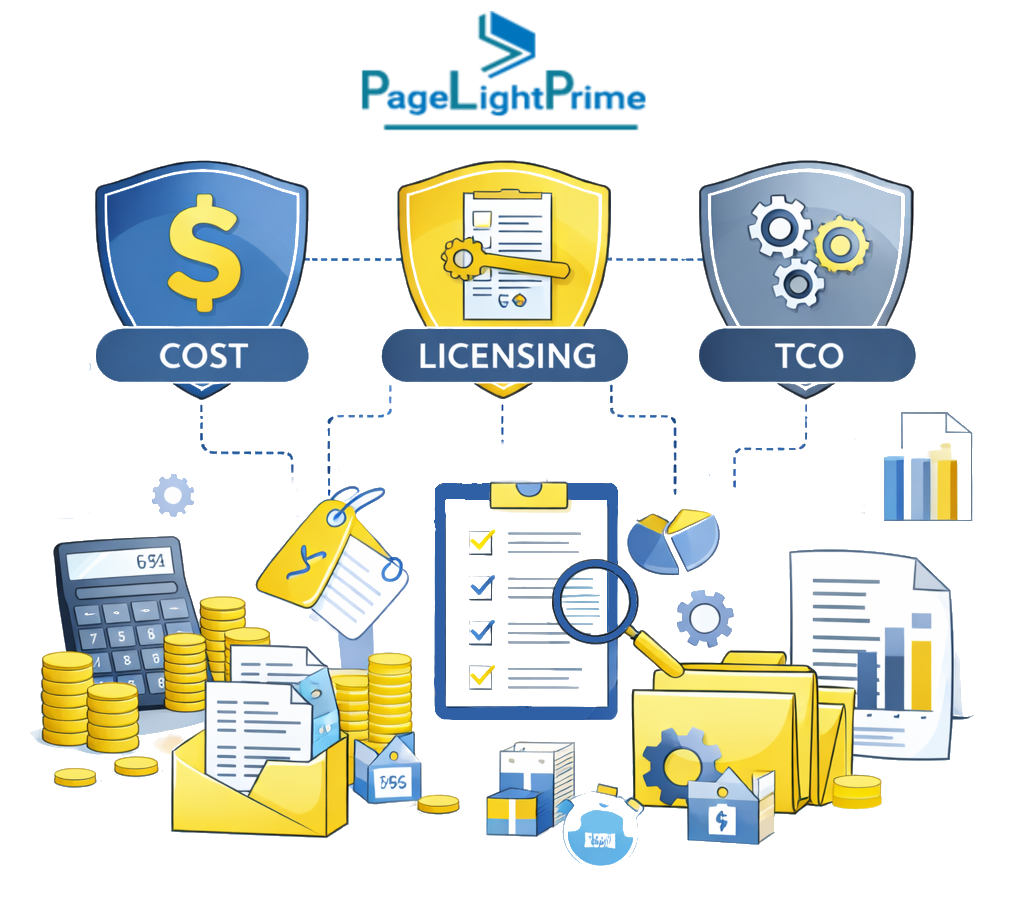
Cost, Licensing, and Total Cost of Ownership (TCO)
Cost is often a decisive factor when firms evaluate iManage alternatives.
iManage typically involves:
- Per-user DMS licensing fees
- Hosting or cloud infrastructure costs
- Additional software for accounting and case management
PageLightPrime leverages existing Microsoft 365 licenses. Because it includes document management, legal case management, law firm accounting, and trust accounting in a single platform, firms can consolidate multiple tools into one.
Many firms find that this consolidation results in a significantly lower total cost of ownership (TCO) over time, along with reduced administrative complexity.
“
PageLightPrime vs iManage: Which Legal DMS Is the Right Fit?
The right choice depends on a firm’s size, culture, and long-term technology strategy.
Firms seeking a traditional, best-of-breed legal DMS with a long track record and a document-centric focus may continue to choose iManage.
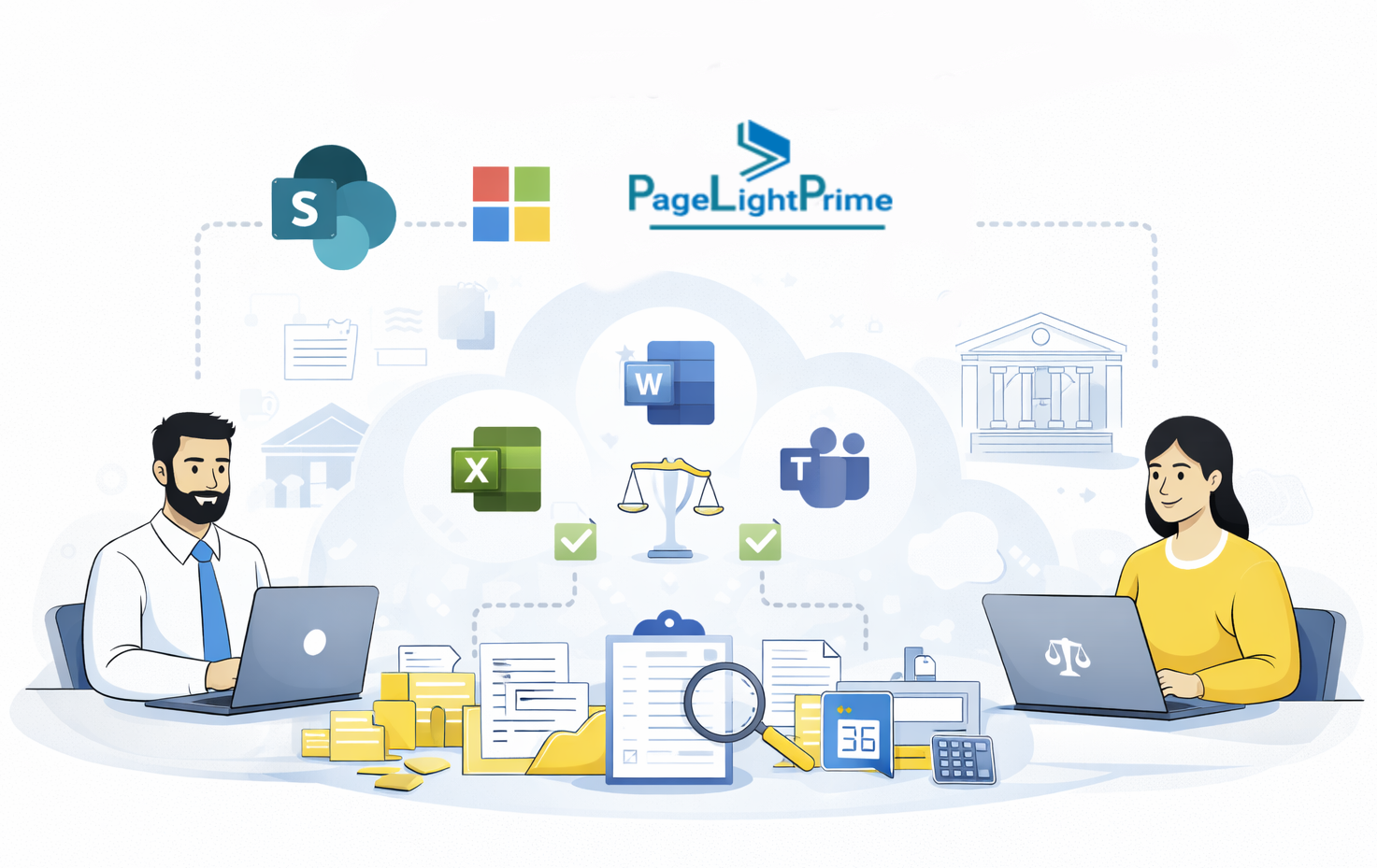
Firms seeking a modern Microsoft 365 law firm document management solution—one that unifies document management, legal case management, law firm accounting, and legal trust accounting within a single SharePoint legal document management software platform—will find PageLightPrime better aligned with how law firms operate today.
“
FAQ: Frequently Asked Questions
What is the main difference between PageLightPrime and iManage?
The primary difference is architecture and scope. iManage is a best-of-breed legal DMS focused on document and email management within a proprietary system. PageLightPrime is a Microsoft 365 law firm document management solution that extends SharePoint to support not only documents, but also legal case management, accounting, and trust compliance—without creating a separate document silo.
Does PageLightPrime replace SharePoint or work on top of it?
PageLightPrime works on top of SharePoint. It does not replace SharePoint; instead, it configures and governs SharePoint for legal use. Documents remain stored in SharePoint and OneDrive, protected by Microsoft security and compliance tools, while PageLightPrime adds legal-specific structure, metadata, workflows, and matter management.
Can PageLightPrime manage emails like iManage?
Yes. PageLightPrime provides native Outlook email management without requiring plugins. Emails can be filed directly to matters using Microsoft’s native capabilities, preserving full email context and metadata. iManage also supports Outlook integration, but typically relies on plugins and connectors to its proprietary DMS.
Does iManage include legal case management or accounting?
No. iManage focuses exclusively on document and email management. Legal case management, law firm accounting, and legal trust accounting require third-party integrations. PageLightPrime includes all of these capabilities natively, allowing firms to manage documents, matters, finances, and trust compliance in one integrated Microsoft 365 environment.
Is PageLightPrime suitable for small and mid-size law firms?
Yes. PageLightPrime is well suited for small to mid-size law firms that want to simplify their technology stack, reduce software costs, and maximize their existing Microsoft 365 investment. Because it consolidates document management, case management, and accounting, it can replace multiple systems with a single platform.
Is iManage better for large or global law firms?
iManage has historically been favored by large and global law firms with complex document governance needs and established proprietary DMS workflows. Firms that prefer a dedicated, document-centric system with a long track record may continue to choose iManage, particularly if they already have extensive investments in its ecosystem.
How does PageLightPrime handle security and compliance?
PageLightPrime relies on Microsoft 365’s unified security and compliance framework, including Microsoft Entra ID (Azure AD), encryption, data loss prevention (DLP), retention policies, and eDiscovery through Microsoft Purview. Legal trust accounting features include automated three-way reconciliation, trust overdraw prevention