
What Is Legal Document Management Software for Law Firms? (2026 Guide)
Legal document management software (DMS) is a matter-centric platform that centralizes, secures, and governs a law firm’s documents and emails. Unlike generic storage, a legal DMS provides ethical walls, automated email filing, and AI-powered metadata tagging to help firms align with standards from organizations like the American Bar Association and regulations such as the General Data Protection Regulation (GDPR).
In 2026, modern legal DMS platforms go far beyond digital filing. They serve as the operational backbone of the firm—supporting AI-powered search, secure collaboration, Microsoft 365 integration, governance controls, and long-term knowledge management.
For firms operating in a digital-first legal environment, investing in the right law firm document management system is a strategic necessity.
Written by Knowledge Team, posted on March 06, 2026

Legal Document Management Software vs Cloud Storage (What’s the Difference?)
At first glance, cloud storage and legal document management software may appear similar. Both store files. But their design and purpose differ significantly.
| Feature | Cloud Storage | Legal DMS |
|---|---|---|
| Matter-based organization | ❌ | ✅ |
| Ethical walls | ❌ | ✅ |
| Version history | Basic | Advanced |
| Audit trails | Limited | Detailed |
| Automated email filing | ❌ | ✅ |
| Compliance controls | Basic | Legal-grade |
| Metadata tagging | Limited | Extensive |
Core Features of Legal Document Management Software for Law Firms
A modern document management software for law firms balances usability with enterprise-grade security and governance.
Matter-Centric Organization
Documents, emails, and communications are structured by client and matter to reduce misfiling risk and improve contextual clarity.
Full-Text Search and OCR
Advanced OCR technology allows firms to search within scanned PDFs and image-based files. AI-driven semantic search enhances retrieval accuracy.

Automated Email Filing
Deep integration with Microsoft Outlook enables one-click or AI-assisted filing into the appropriate matter workspace.
Version Control and Audit Trails
A robust law firm document management system tracks edits, maintains complete version histories, and provides defensible audit logs.
Ethical Walls and Role-Based Permissions
Granular security controls restrict document access based on role, team, or practice group to prevent conflicts of interest.
Microsoft 365 Integration
As firms standardize on Microsoft infrastructure, demand for Microsoft 365 legal document management solutions continues to grow. Leading systems integrate with Outlook, Teams, SharePoint, and Microsoft Purview for governance and retention.

Benefits of Legal Document Management Software for Law Firms
A properly implemented legal document management system delivers measurable operational and compliance advantages.
Increased Efficiency
Attorneys can retrieve documents in seconds rather than minutes or hours. Automation reduces administrative burden and filing errors.
Stronger Compliance and Security
Unlike basic legal file management software, advanced systems include:
- End-to-end encryption
- Multi-factor authentication
- Detailed audit logs
- Data retention and defensibility controls
- GDPR and HIPAA support
- Trust accounting integrations

Cloud Scalability and Cost Savings
Adoption of cloud-based legal DMS platforms continues accelerating. Firms benefit from predictable subscription models and reduced infrastructure maintenance costs.
Remote and Hybrid Work Enablement
Secure browser-based access allows attorneys to work from anywhere while maintaining strict confidentiality standards.

Legal DMS vs Matter Management Software: Key Differences
It’s important to distinguish a legal DMS from matter management software.
- Matter management tools focus on case tracking, billing, and deadlines.
- A legal DMS governs document storage, compliance, metadata structure, and knowledge retrieval.
While both systems can integrate, they serve distinct functions within a law firm’s technology stack.
2026 Trends in Legal Document Management
The Rise of Agentic AI Workflows
In 2026, the industry has moved beyond “Reactive AI” (chatbots that wait for prompts) to Agentic AI. Modern legal DMS platforms now deploy autonomous agents that proactively manage the document lifecycle.
Proactive Filing
AI agents monitor incoming correspondence and automatically suggest (or execute) filing into the correct matter based on the legal context of the conversation.

Automated Compliance Guardrails
Rather than waiting for a manual audit, agentic systems continuously scan for “Ethical Wall” breaches and PII (Personally Identifiable Information) exposure in real-time.
Semantic Knowledge Retrieval
Instead of keyword matching, firms use “Agentic RAG” (Retrieval-Augmented Generation) to ask complex questions like, “Show me all force majeure clauses from 2024 that were modified to include pandemic-related carve-outs.”

2026 Regulatory Compliance: ABA & The EU AI Act
A legal DMS is no longer just a digital filing cabinet; it is a compliance engine. As of 2026, firms must align their software choices with new global standards:
ABA Formal Opinion 512 & 2025-205
These opinions clarify that attorneys have an “Absolute Duty to Verify” AI-generated work. Leading DMS providers now include Direct-to-Source linking, allowing attorneys to instantly verify the original document behind an AI summary.
EU AI Act (August 2026 Deadline)
For firms with international clients, the EU AI Act classifies many legal AI applications as “High-Risk.” A 2026-ready DMS must provide transparency logs, human-in-the-loop (HITL) checkpoints, and “explainability” features to avoid significant non-compliance fines.
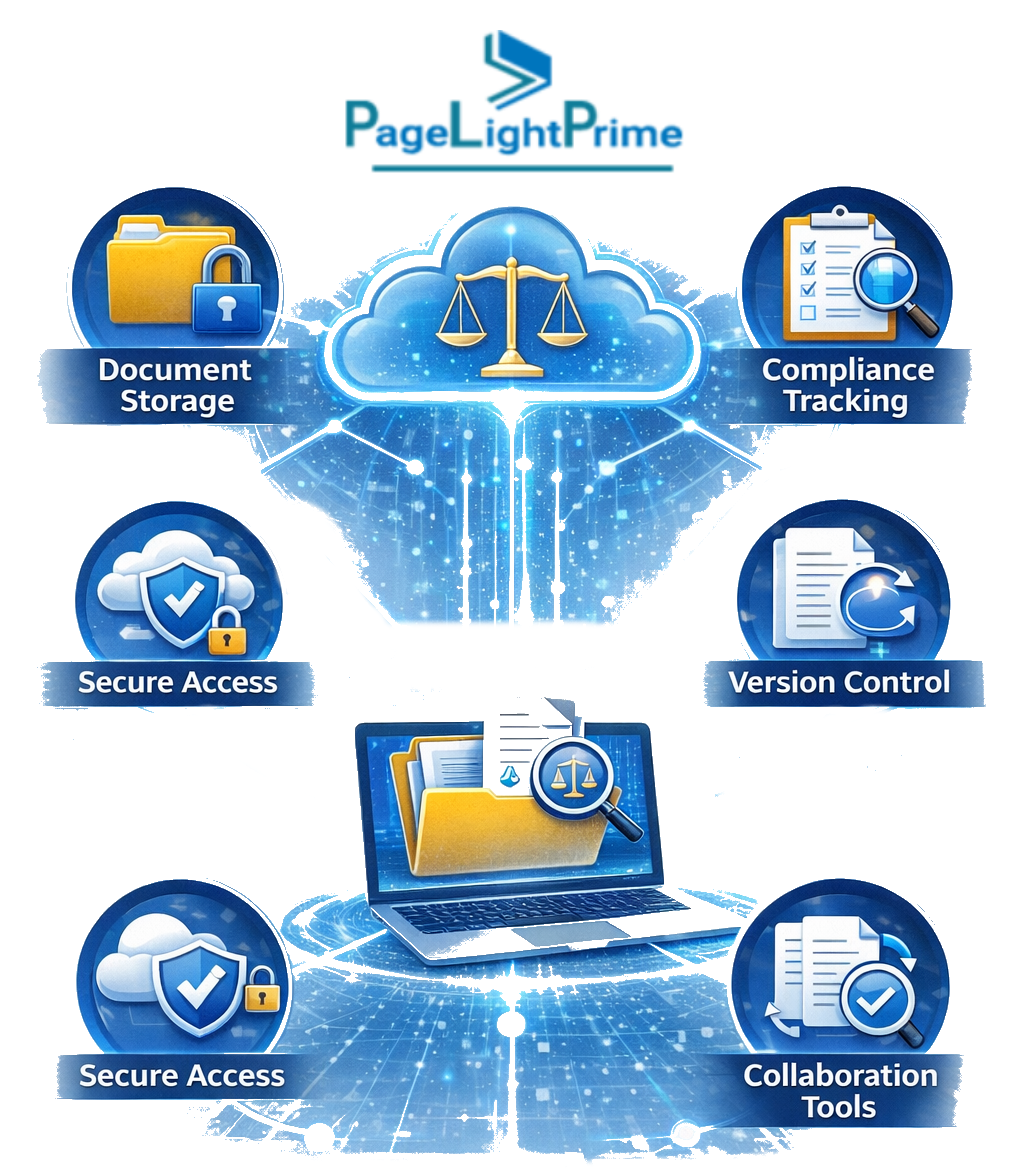
AI-Enhanced Search and Classification
AI is now used to automate metadata tagging, classify documents by matter, and generate summaries—while keeping attorneys in control of final decisions.
Deeper Microsoft Ecosystem Integration
Modern platforms embed directly within Microsoft 365 for eDiscovery, governance, and retention management.
API-First, Cloud-Native Architecture
Firms increasingly prefer flexible systems that integrate across practice management, billing, and compliance platforms.
Growing Interest in iManage Alternatives
Firms evaluating iManage alternatives often seek lighter deployments, lower total cost of ownership, or deeper Microsoft alignment.

Cloud vs On-Premises Legal DMS
Choosing between cloud, on-premises, or hybrid deployment is a critical decision when implementing document management software for law firms.
Cloud Legal Document Management Software
Cloud-based systems are vendor-hosted and accessed securely via web interface.
Advantages
- Lower IT overhead
- Automatic updates and security patches
- Remote accessibility
- Faster deployment
- Predictable subscription pricing
Cloud legal document management software is now the dominant model in 2026 due to scalability and reduced infrastructure burden.

On Premise Legal DMS
An on premise legal DMS is hosted internally on firm-controlled servers.
Advantages
- Greater infrastructure control
- Custom configuration flexibility
- Direct oversight of physical storage
Considerations
- Higher upfront hardware costs
- Ongoing maintenance requirements
- Internal IT staffing needs
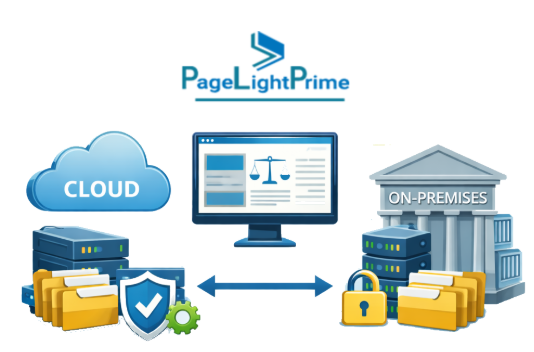
Hybrid Legal DMS
Hybrid models combine cloud flexibility with selective internal hosting.
Advantages
- Flexible governance
- Gradual migration capability
- Enterprise compliance alignment
Firms comparing cloud vs on premise document management for law firms should evaluate scalability, compliance requirements, IT resources, and total cost of ownership.
Best Legal Document Management Software for Law Firms (2026)
Firms researching the best legal DMS solutions in 2026 typically evaluate security, scalability, AI capabilities, compliance features, and ecosystem integration.
Below is a high-level comparison of leading legal document management systems used by law firms in 2026.
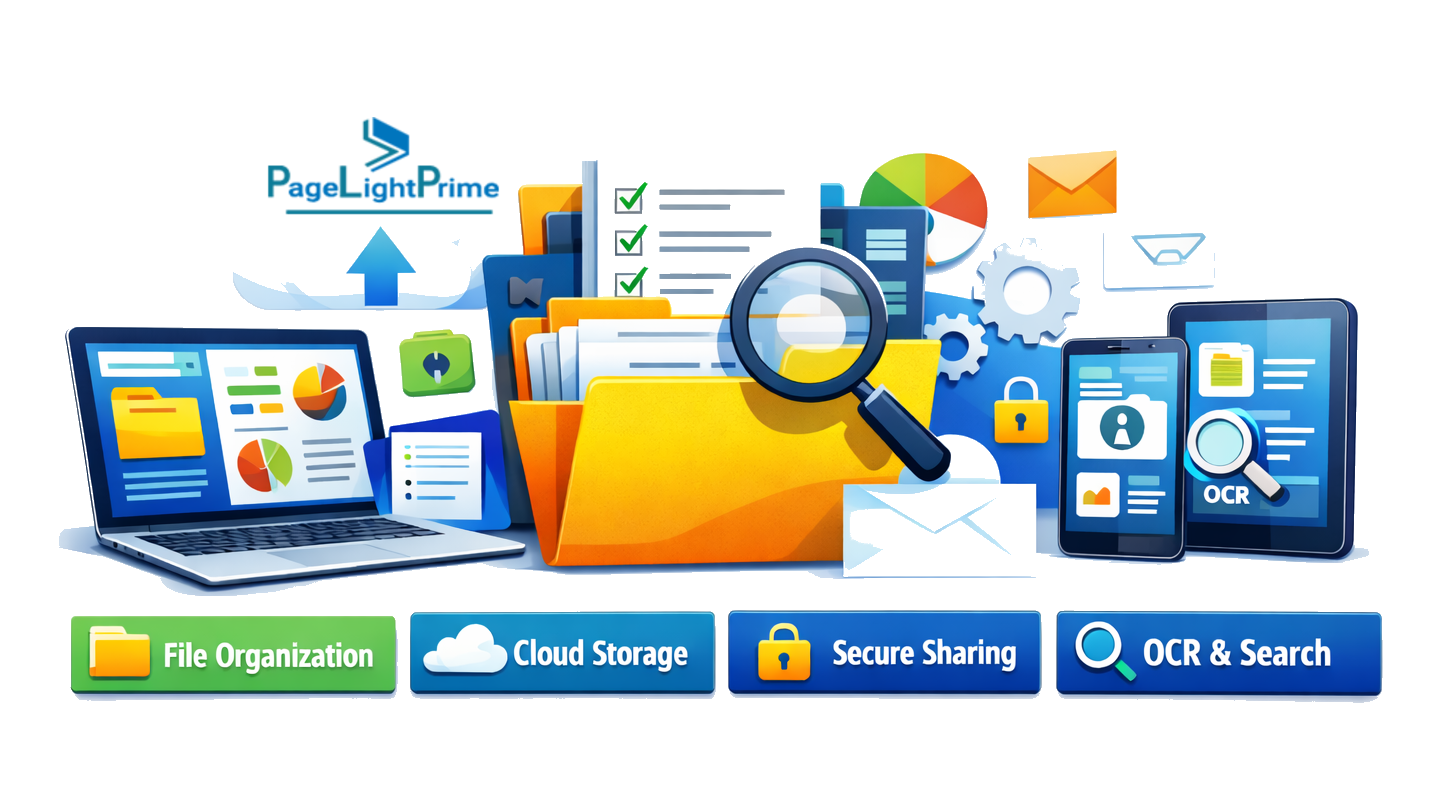
Top Legal DMS Comparison (2026)
| Solution | Deployment | Key Strengths | Best For | Microsoft 365 Integration |
|---|---|---|---|---|
| NetDocuments | Cloud | Enterprise-grade security, compliance, scalability | Large/global firms | Moderate |
| iManage | Cloud / Hybrid | AI email management, knowledge tools | Enterprise firms | Strong |
| LexWorkplace | Cloud | Matter-centric design, built-in OCR | Small–midsize firms | Good |
| PageLightPrime | Microsoft 365 / SharePoint | AI filing, trust accounting support, lower TCO | Microsoft-focused firms | Native |
| Smokeball | Hybrid | Workflow automation, unlimited storage | Solo & small firms | Limited |
Legal Document Management Software Migration Checklist
Migrating to a new legal document management system is a major operational initiative. Use this checklist to reduce risk and ensure a smooth transition.
1. Audit Your Current Environment
- Assess document volume
- Identify duplicates
- Separate active and archived matters
- Review existing folder structures

2. Define Compliance and Governance Requirements
- Data residency policies
- Retention rules
- Ethical wall requirements
- Trust accounting integrations
3. Standardize Metadata Structure
Define client IDs, matter naming conventions, document categories, and retention tags before migration.
4. Choose the Right Deployment Model
Evaluate cloud legal document management software, on premise legal DMS, or hybrid options based on IT resources and regulatory needs.

5. Run a Pilot Program
Migrate one practice group first to test search, permissions, and email filing before full rollout.
6. Train Attorneys and Staff
User adoption determines ROI. Provide workflow-based training rather than generic system demos.
7. Establish Ongoing Governance
Conduct periodic audits of access controls, retention policies, and metadata consistency.

“
Conclusion
A modern legal DMS is now the core infrastructure for competitive law firms. In 2026, firms that treat their law firm document management system as a strategic investment—rather than simple storage—gain measurable advantages in efficiency, compliance, collaboration, and risk management.
Selecting the right document management software for law firms directly influences operational performance, regulatory defensibility, and long-term competitiveness in an increasingly digital legal landscape.

“
FAQ: Frequently Asked Questions
What is law firm email management software?
Law firm email management software enables attorneys to automatically file, organize, secure, and retrieve matter-related emails within a legal document management system. Unlike standard inbox folders, legal email management integrates directly with a DMS to associate messages with specific clients and matters while preserving compliance controls and audit history.
What is the difference between a legal DMS and cloud storage?
A legal DMS is designed specifically for law firms and includes matter-based organization, ethical walls, audit trails, automated email filing, and compliance controls. Cloud storage platforms provide basic file hosting and sharing but lack legal-specific governance features.
Is document management software required for law firms?
While not legally mandated in most jurisdictions, professional responsibility rules require attorneys to safeguard client data. Most firms implement a legal DMS to meet confidentiality, defensibility, and compliance standards.
How much does a law firm document management system cost?
A legal DMS typically ranges from $30 to $120 per user per month, depending on deployment model (cloud, hybrid, or on-premise), AI capabilities, storage limits, and compliance features. Microsoft-native platforms may offer lower infrastructure overhead for firms already standardized on Microsoft 365.
What is the best legal DMS in 2026?
The best legal DMS depends on firm size, regulatory requirements, and infrastructure alignment.
Enterprise firms often compare NetDocuments and iManage for large-scale deployments and advanced compliance capabilities. Firms standardized on Microsoft 365 increasingly evaluate PageLightPrime for its native SharePoint architecture, AI-assisted filing, and lower total cost of ownership. Smaller firms may prioritize cloud-based legal DMS platforms that emphasize ease of implementation and predictable pricing.