
Matter-Centric Email Management in Microsoft 365 for Law Firms
Modern M365 Email Management Built for Legal Workflows
Email remains the operational backbone of every law firm. Client communications, court notices, negotiations, regulatory correspondence, and internal legal strategy all move through Microsoft Outlook daily. Yet in many firms, email filing is still manual, inconsistent, or dependent on outdated document management systems (DMS).
Modern Microsoft 365 email management for law firms is evolving toward a matter-centric model — one that ensures emails are seamlessly stored, searchable, governed, and secured within the correct client-matter workspace.
Written by Knowledge Team, posted on February 19, 2026
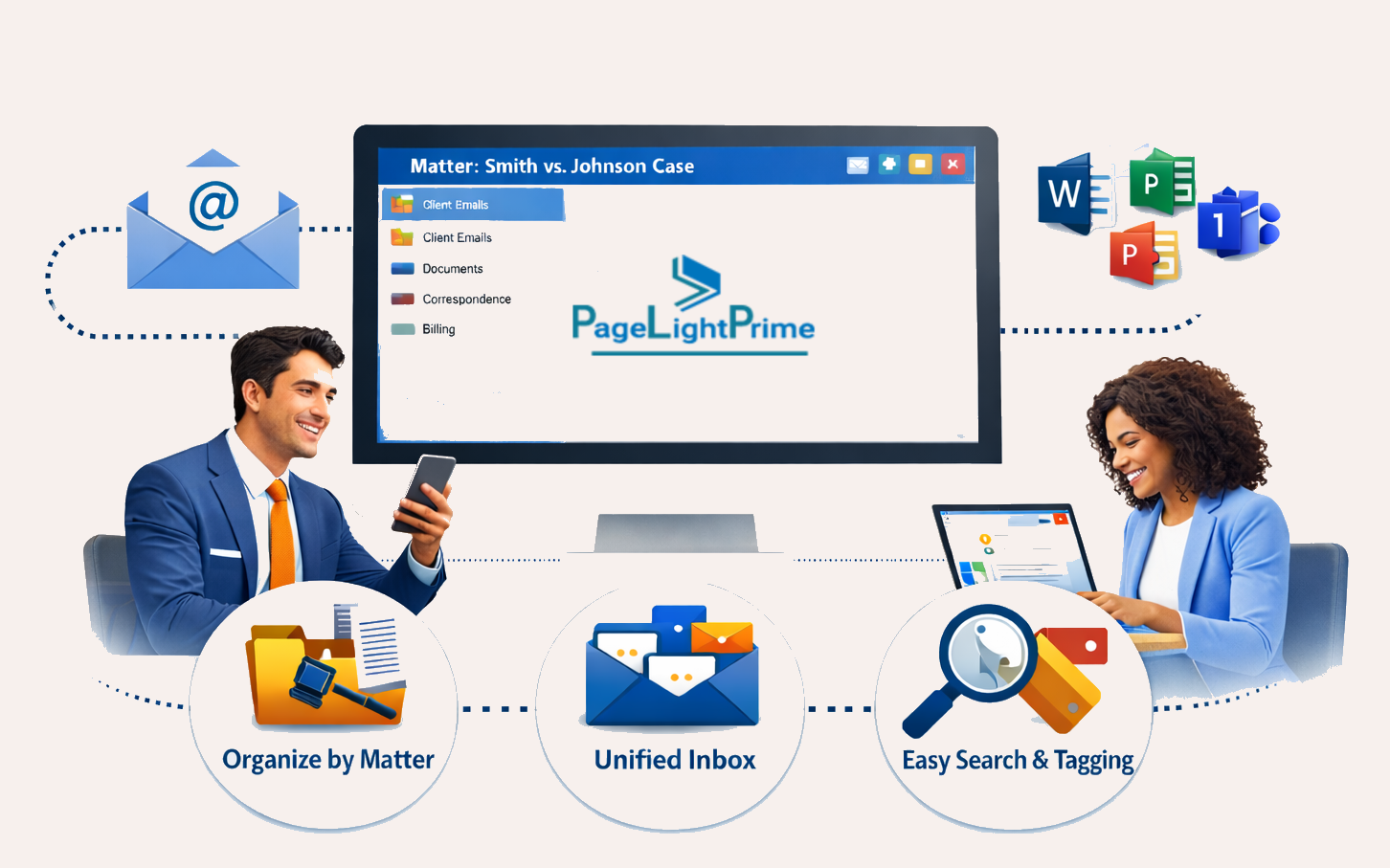
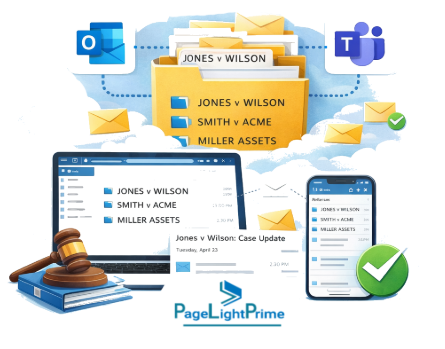
Instead of fragmented inbox storage, law firms are consolidating communications into structured environments within Microsoft 365 (M365), creating a unified legal document management ecosystem built on Microsoft SharePoint and Microsoft Teams.
What Is Matter-Centric Email Management in Microsoft 365?
Matter-centric email management in Microsoft 365 is a structured approach where emails are stored within their corresponding client/matter SharePoint workspace rather than individual Outlook inbox folders. This ensures centralized search, compliance, collaoration, and institutional continuity.
In a properly architected Microsoft 365 environment for law firms, this typically includes:
- A dedicated SharePoint site or document library for each client/matter
- Outlook integration that allows direct filing into matter folders
- Teams channels connected to the matter workspace
- Permissions and ethical walls configured at the matter level
- Centralized retention and governance policies via Microsoft Purview
- Full visibility of communication history for authorized team members
Rather than emails living in personal mailboxes, they become part of the firm’s structured knowledge system — searchable, secure, and compliant.
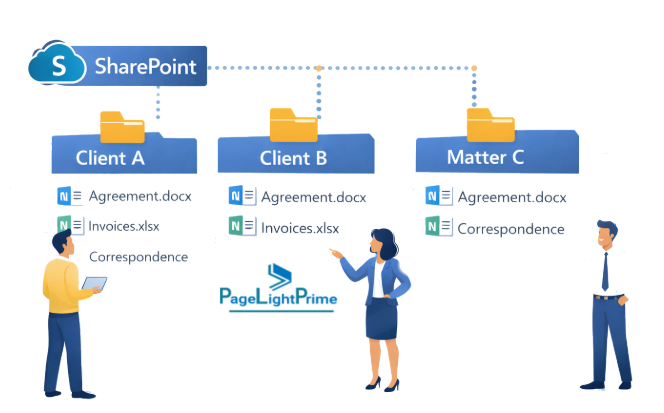
How Outlook, Teams, and SharePoint Enable Matter-Based Filing
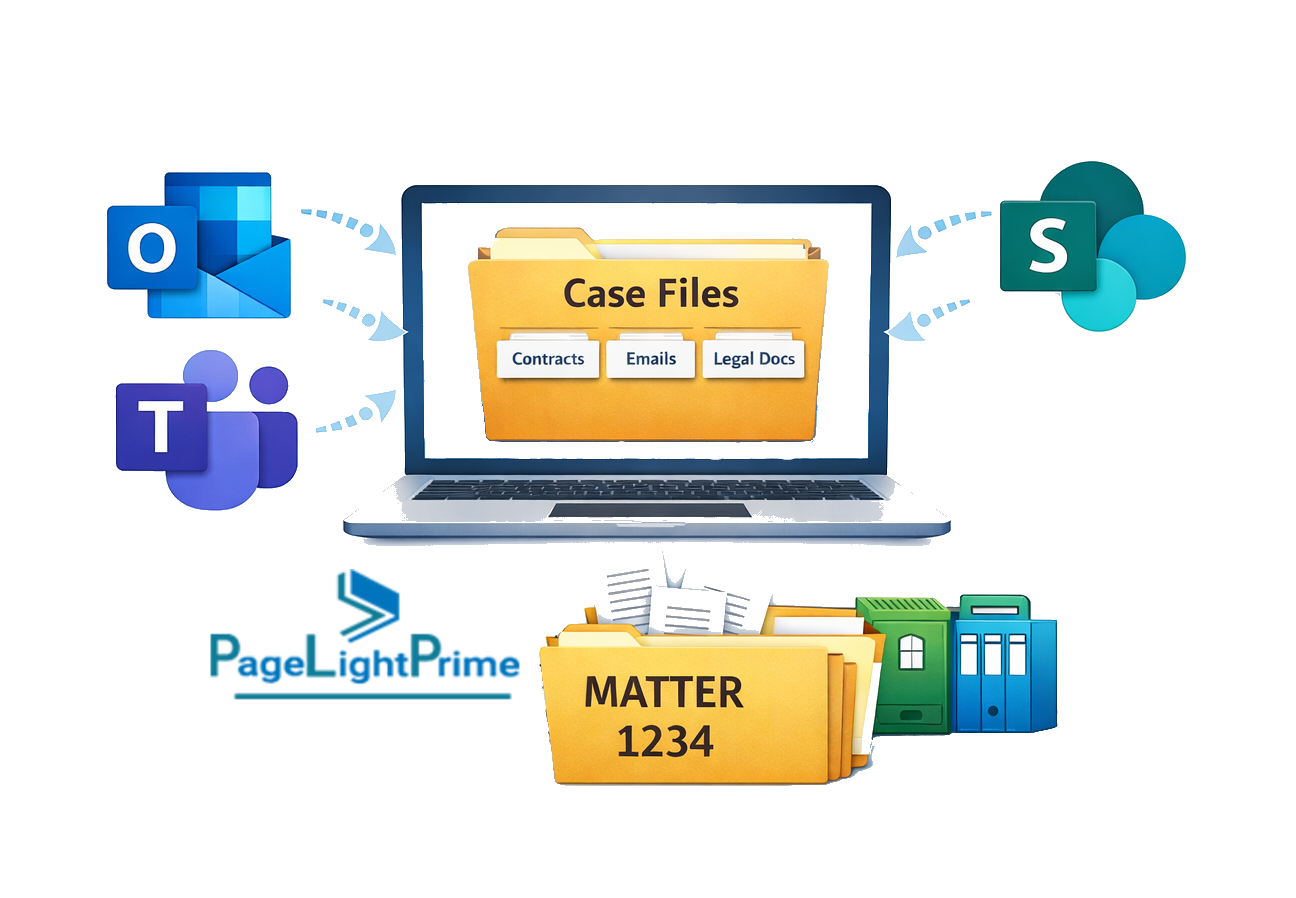
Microsoft 365 provides native integration across:
- Microsoft Outlook
- Microsoft Teams
- Microsoft SharePoint
This integration eliminates the need for third-party DMS connectors in many scenarios.
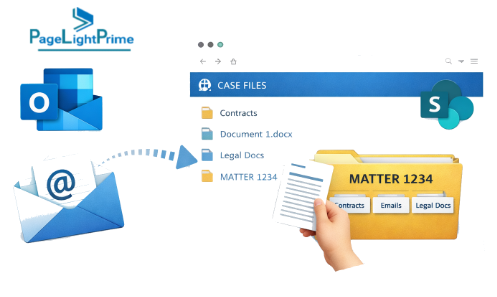
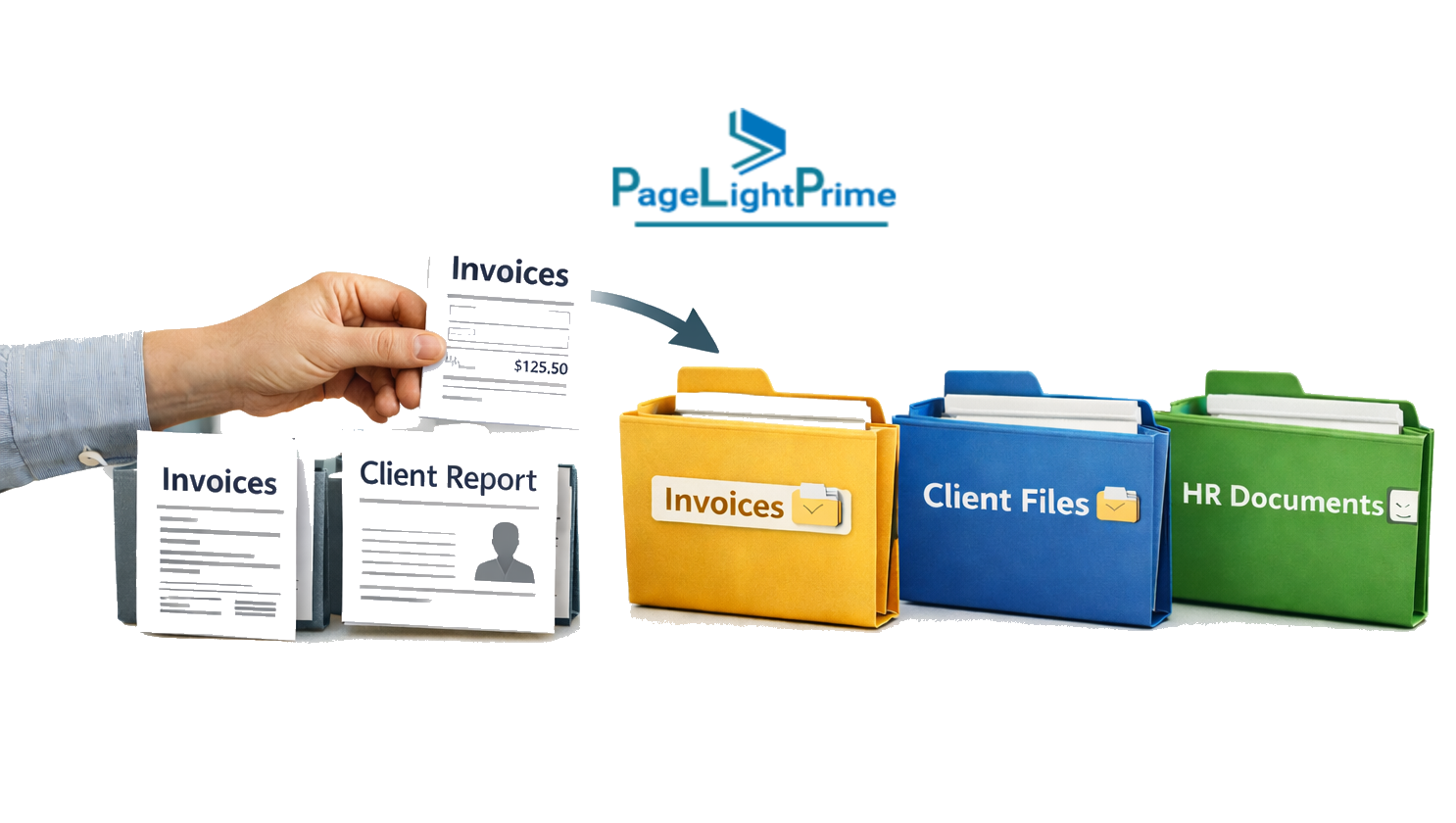
Drag-and-Drop Filing from Outlook to SharePoint
Attorneys can:
- ✔ Drag and drop emails directly into a synced SharePoint matter folder
- ✔ File emails directly into Teams-connected document libraries
- ✔ Store attachments automatically alongside the email
- ✔ Maintain full thread continuity
There is no need to:
- Export to PDF
- Forward to a filing mailbox
- Save locally before uploading
This dramatically reduces administrative burden and improves adoption.
Preserved Metadata for Compliance and eDiscovery
When emails are stored in SharePoint:
- Subject line remains intact
- Sender and recipient data is preserved
- Date and time stamps are retained
- Attachments remain associated
- Version history can be tracked
This supports:
- Legal holds
- eDiscovery
- Audit trails
- Retention policies
- Regulatory compliance
For law firms prioritizing defensibility, centralized Microsoft 365 email management offers significant advantages over decentralized inbox storage.
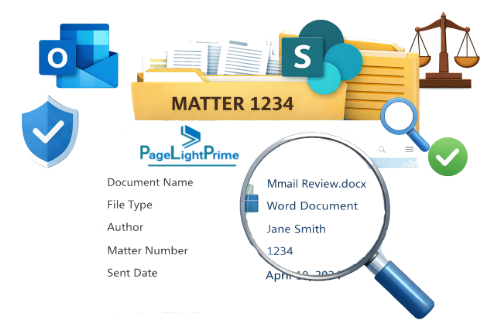
Smart Email Filing in M365: Automation and Metadata Intelligence
One of the most powerful advancements in modern M365 environments is intelligent filing automation.
Using metadata, structured matter IDs, and automation workflows, the system can:
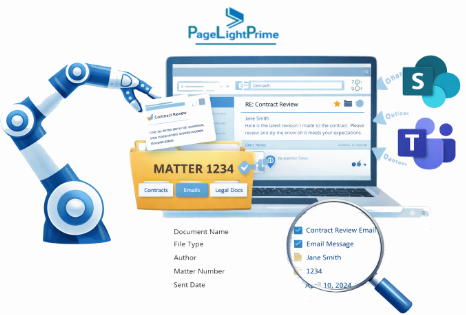
Real-World Examples
- Emails from @acmeclient.com automatically suggest the “Acme Corp – Litigation” SharePoint workspace.
- Messages containing “2025-0147” are flagged for the corresponding matter number.
- Communications from opposing counsel are consistently routed to the correct litigation matter folder.
This intelligent M365 email management reduces friction, increases compliance, and improves consistency across attorneys and practice groups.

Replacing Worldox and iManage with Microsoft 365
For decades, firms relied on legacy DMS platforms such as:
- Worldox
- iManage
These systems pioneered matter-centric document management. However, law firms today increasingly seek:
- Lower infrastructure and server costs
- Cloud-native scalability
- Integrated collaboration tools
- Reduced vendor complexity
- Simplified licensing models
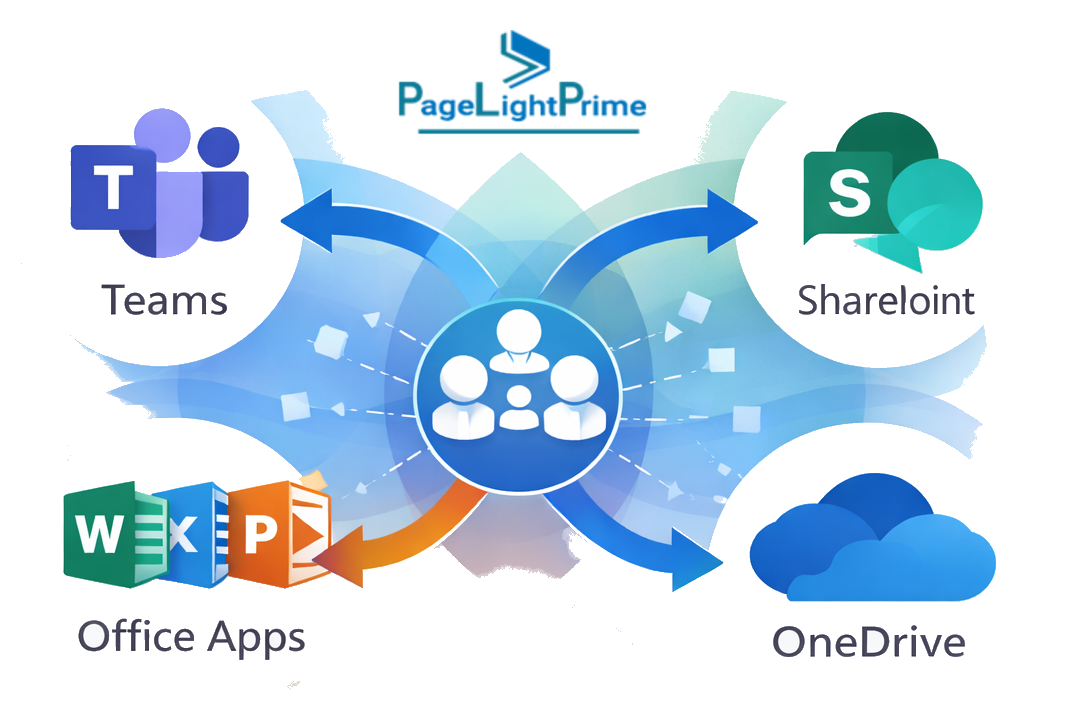
Microsoft 365 offers a unified alternative that includes:
- SharePoint document libraries
- Teams-based collaboration
- Native Outlook integration
- Microsoft Purview compliance and governance
- Built-in encryption and security
- Multi-factor authentication and conditional access
Instead of synchronizing email into a separate DMS, firms can consolidate legal document management, email governance, and collaboration into a single cloud platform.
For many mid-sized and growing firms, Microsoft 365 represents a viable iManage alternative and Worldox replacement.

Migrating from Worldox or iManage to Microsoft 365
Transitioning to Microsoft 365 email management for law firms requires structured planning — but it does not mean sacrificing institutional knowledge.
A successful migration strategy typically includes:
1. Matter Structure Mapping
- Align legacy client/matter IDs
- Recreate logical workspace hierarchies in SharePoint
- Standardize naming conventions
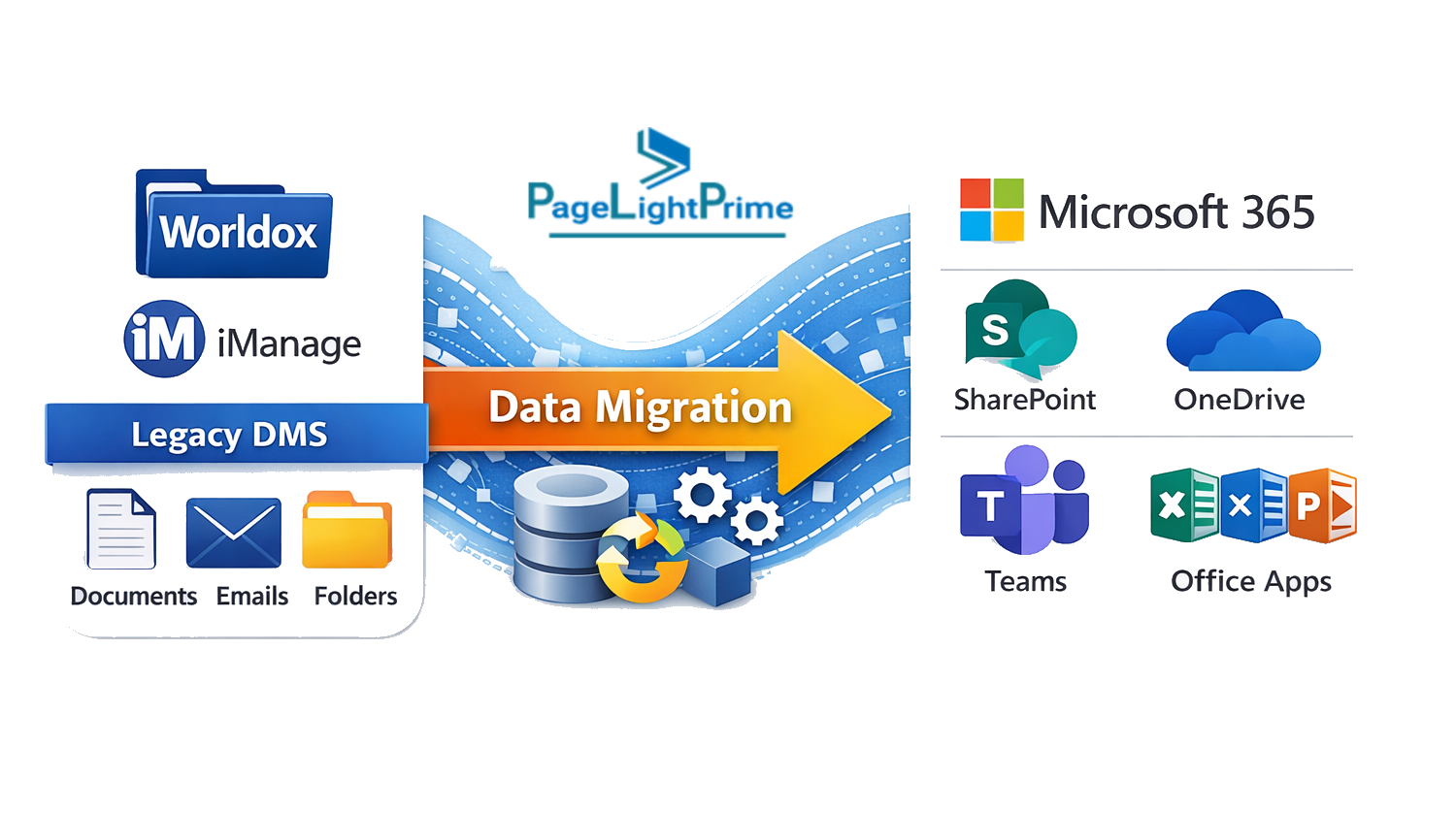
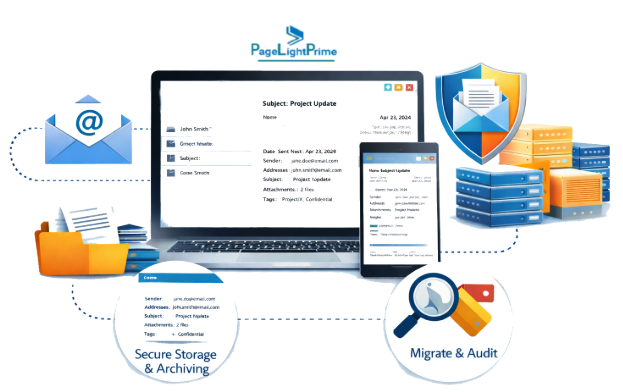
2. Email and Metadata Preservation
Migration should preserve:
- Email content
- Attachments
- Author and sent/received metadata
- Matter numbers
- Folder structures (where applicable)
- Version history when available
3. Ethical Walls and Security Controls
Rebuild security architecture within Microsoft 365:
- Azure AD security groups
- Conditional access policies
- Sensitivity labels
- Matter-level permissions
- Segregation for conflict matters
Proper governance design ensures ethical compliance and protects client confidentiality.
4. User Adoption and Change Management
Technology alone does not ensure success. Firms must introduce:
- Training on drag-and-drop filing
- Matter dashboards in Teams
- Search best practices
- Metadata tagging standards
- Clear filing expectations
A well-executed migration eliminates duplicate systems, reduces shadow IT, and simplifies long-term legal email management.
Governance and Compliance Advantages of Matter-Centric Email Management
Centralized Microsoft 365 email filing supports:
- Unified retention policies
- Automated disposition
- Legal holds
- Audit logging
- eDiscovery search
- Information barriers
- Data loss prevention policies
Unlike siloed inbox storage, matter-centric SharePoint filing ensures institutional continuity — even if attorneys depart the firm.
From a risk management perspective, this model strengthens defensibility during audits, litigation, and regulatory review.

Benefits of Microsoft 365 Email Management for Law Firms
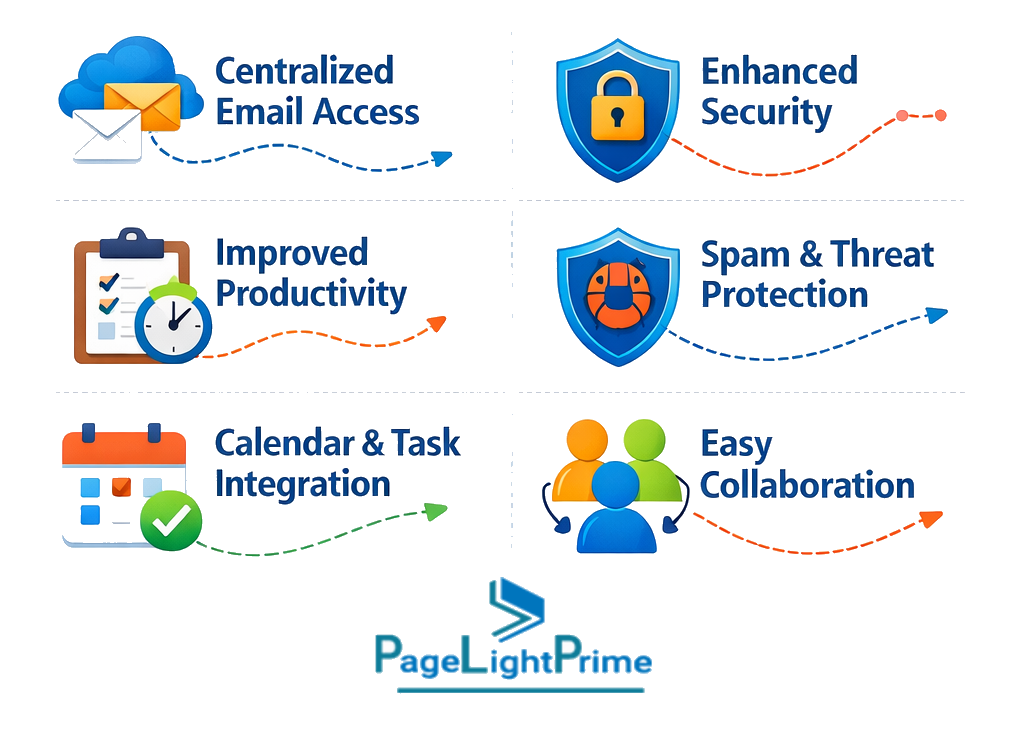
Implementing matter-centric M365 email management delivers measurable operational benefits:
Faster Retrieval
Search across matter workspaces instead of individual inboxes.
Reduced Administrative Burden

Improved Compliance
Centralized governance reduces policy violations.
Enhanced Collaboration
Teams integration allows attorneys, paralegals, and support staff to access complete communication history.
Lower Total Cost of Ownership
Eliminate on-prem servers and reduce DMS vendor licensing complexity.
For growing and mid-sized firms especially, Microsoft 365 provides a scalable, cloud-first legal document management framework without the overhead of legacy systems.
Enhancing Microsoft 365 Email Management with PageLightPrime
Microsoft 365 provides a powerful foundation for matter-centric email management. However, many law firms find that configuring SharePoint libraries, governance policies, automation rules, and ethical walls requires additional structure to fully align with legal workflows.
PageLightPrime is designed to extend Microsoft 365 specifically for law firms seeking structured, matter-centric email management without the complexity of legacy document management systems.
Built natively on Microsoft 365, PageLightPrime helps firms:
- Streamline matter-based email filing within Outlook and Teams
- Improve metadata consistency across client workspaces
- Support structured ethical wall enforcement
- Standardize matter workspace creation
- Strengthen compliance and governance alignment
- Simplify migration from platforms such as Worldox or iManage
Rather than replacing Microsoft 365, PageLightPrime optimizes it — aligning email management, document governance, and collaboration with the operational realities of modern legal practice.
For firms looking to move beyond manual filing or disconnected DMS environments, a structured enhancement layer can accelerate adoption and reduce long-term administrative burden.
“
Final Thoughts: Modernizing Legal Email Management
Email is not going away — but inbox chaos should.
By leveraging Microsoft 365’s integration across Outlook, Teams, SharePoint, and Purview, law firms can implement a matter-centric email management model that simplifies filing, enhances compliance, strengthens ethical walls, and supports firm-wide collaboration.
For firms considering a Worldox replacement or evaluating an iManage alternative, now is the time to explore a cloud-first strategy centered on Microsoft 365 email management for law firms.
The question is no longer whether to modernize your firm’s email management.
It is how quickly you can implement a smarter, more secure, and more scalable system.

“
FAQ: Frequently Asked Questions
Can Microsoft 365 replace Worldox or iManage for law firms?
For many mid-sized and growing firms, Microsoft 365 can serve as a viable alternative to traditional document management systems like Worldox or iManage. By leveraging SharePoint document libraries, Teams collaboration, Outlook integration, and Microsoft Purview compliance tools, firms can consolidate email management, document storage, and governance into a unified cloud platform.
How do lawyers file emails into SharePoint from Outlook?
Attorneys can drag and drop emails directly from Outlook into synced SharePoint matter folders or file them into document libraries connected to Teams. Metadata such as sender, subject line, recipients, and timestamps are preserved, supporting compliance and eDiscovery requirements.
Does Microsoft 365 support ethical walls for law firms?
Yes. Microsoft 365 supports ethical wall enforcement through security groups, sensitivity labels, conditional access policies, and information barriers. Permissions can be configured at the matter level to restrict access to confidential client workspaces.
What are the benefits of centralized email management for law firms?
Centralized email management provides:
- Faster retrieval of client communications
- Improved compliance and audit readiness
- Reduced reliance on individual inboxes
- Enhanced collaboration across legal teams
- Lower infrastructure and licensing costs compared to legacy DMS platforms
Is additional software required to implement matter-centric email management in Microsoft 365?
Microsoft 365 provides the foundational tools for matter-centric architecture. However, some firms choose to implement structured enhancement solutions like PageLightPrime to streamline automation, improve metadata consistency, and accelerate migration from legacy systems.